This article was prepared with AI assistance.
Your laptop says the battery is fully charged, yet it runs out sooner than it used to. Has the battery aged, or is the PC using more power? Both can shorten runtime, but they call for different responses. A battery health reading helps you understand capacity loss; energy saving helps you use the charge that remains.
Battery charge and battery health are different
Battery charge tells you how full the battery is right now. It rises when you plug in the laptop and falls as you use it. Battery health describes how much energy the battery can hold compared with when it was new. A worn battery can still reach 100% charge, but that full charge may provide less working time than before. Microsoft explains how capacity loss affects runtime.
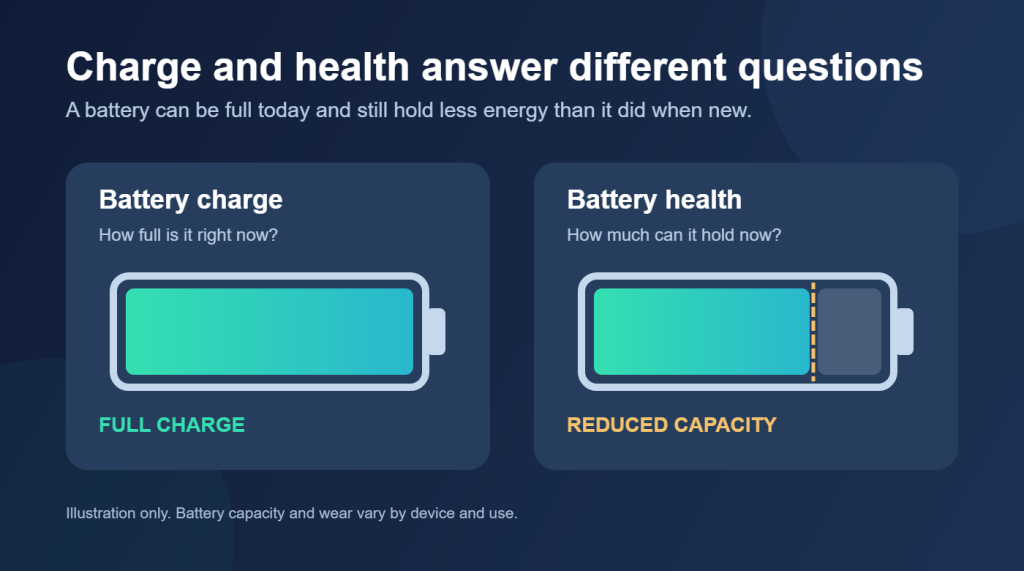
Battery wear expresses capacity loss as a percentage. A higher wear reading means less capacity remains. It helps explain a change in runtime, but the number alone does not show how long a laptop will last during a particular task.
What causes battery wear
Rechargeable batteries age through time and use. Charging and discharging gradually reduce the energy a battery can store. High temperatures can accelerate that deterioration, and frequent deep discharges can add strain. Microsoft’s battery care guidance recommends avoiding excessive heat and keeping charge in a moderate range when practical.
Runtime can also fall without a major change in battery health. A brighter screen, demanding software, or more background activity can use a charge faster. This is why battery condition and power consumption both matter when you investigate a laptop that no longer lasts through the day. Windows power settings address several sources of avoidable energy use.
How Energy Saving affects runtime
Energy Saving reduces the power a PC uses while it runs. Depending on the Windows version and device settings, it may lower screen brightness and limit background activity. A charge can therefore last longer, although some background tasks may be delayed. Microsoft describes the changes Energy Saver makes to Windows.
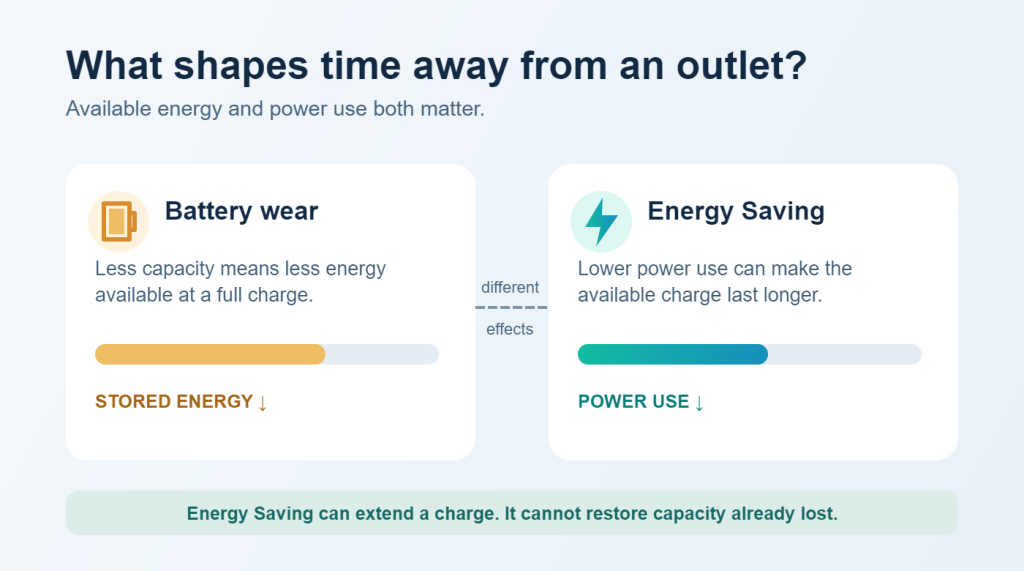
Energy Saving cannot restore capacity the battery has already lost. Its benefit is immediate: it helps a laptop run longer on the energy currently available. Any effect on long term wear is indirect and cannot be promised for an individual device.
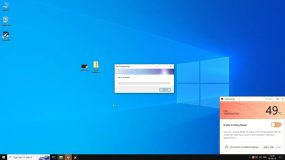
In Outbyte Driver Updater, Helper shows battery wear and points to the Energy saving on battery option in System Control. The wear reading gives context for shorter runtime; the setting enables Energy Saving mode when the laptop is running on battery power. Neither is a battery repair.
How to care for your battery
The most useful habits are straightforward. They will not return lost capacity, but they can help limit avoidable strain and make each charge more useful.
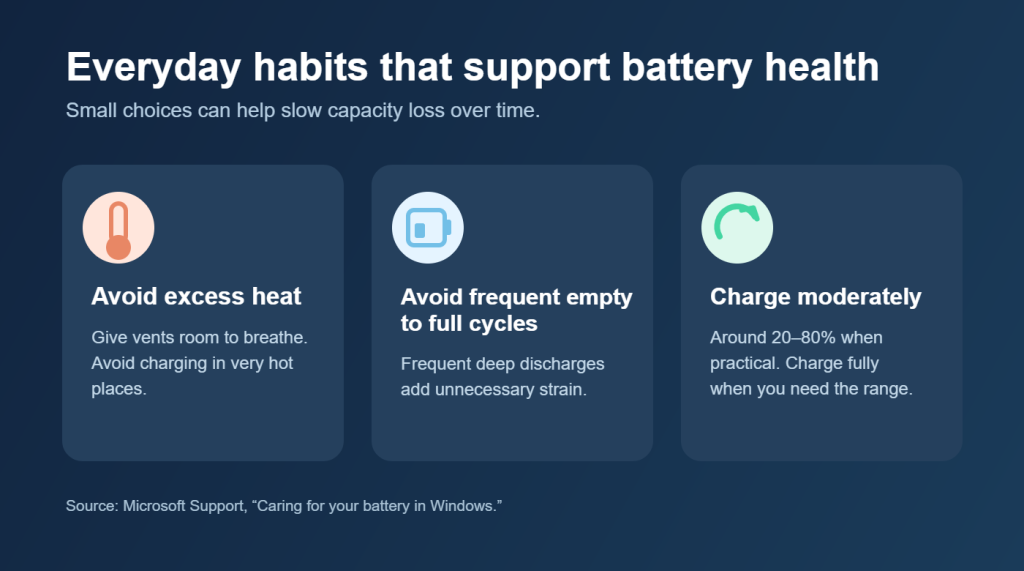
• Keep the laptop cool. Give vents room to breathe and avoid using or charging the device in very hot places. Excess heat can accelerate battery deterioration.
• Avoid frequent deep discharges. You do not need to run the battery to empty before charging it. Microsoft suggests a moderate charge range of roughly 20% to 80% when possible. Charge to 100% when you need the extra time away from an outlet. Read Microsoft’s battery care advice.
• Use Energy Saving when runtime matters. Reducing screen brightness and background activity can help a charge last longer. Microsoft offers additional battery saving tips.
• Check for a charge limit. Some laptops offer Smart charging or a manufacturer setting that avoids keeping the battery at 100% for long periods. This is separate from Energy Saving, which manages power use during operation. Learn how Smart charging works.
When should you investigate further
A wear percentage is a starting point, not a universal replacement rule. Outbyte Helper labels wear below 20% as Good and wear of 20% or more as Check. Check means the result deserves attention; it does not diagnose a failed battery.
If runtime has fallen sharply, the laptop shuts down unexpectedly, or the manufacturer’s diagnostics report a fault, check the device’s battery information and seek device specific service advice. If the battery or casing appears swollen, stop using the laptop and arrange professional help. Do not press or puncture the battery. Microsoft provides this safety guidance.
FAQs
Does 20% wear mean I must replace the battery?
No. It is an attention threshold in Helper, not a universal failure boundary. Consider actual runtime, symptoms, and the device maker’s diagnostics.
Can Energy Saving improve battery health?
It can extend a charge by reducing power use, but it cannot reverse existing wear. Battery care and charging habits matter over the longer term.
Why does a laptop drain quickly when battery wear is low?
High screen brightness, demanding apps, and background processes can shorten runtime even when the battery still has good capacity.
The practical takeaway
Battery wear tells you how much capacity has been lost over time. Energy Saving helps you use today’s available charge more efficiently. Look at both when your laptop no longer lasts as long as you expect.
To check battery wear and reach Energy saving on battery from one place, download Outbyte Driver Updater.