This article was prepared with AI assistance.
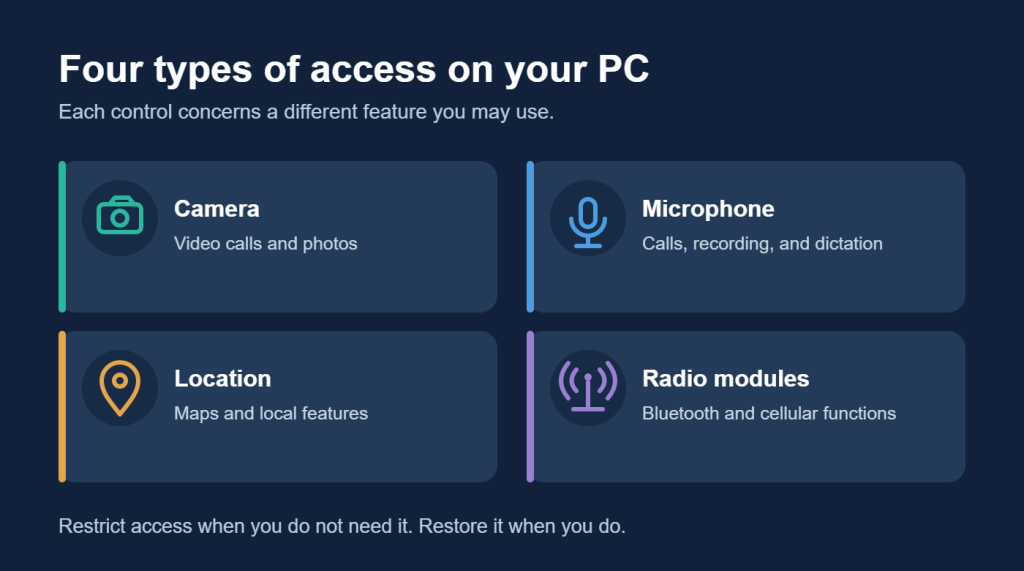
Your camera, microphone, location services, and wireless radios make everyday features possible. They also give software access to hardware or information you may prefer to keep private. The useful question is which access you need, and when.
Windows provides controls for these features. Outbyte Driver Updater brings four PC-wide access controls together in its Safety area: camera, microphone, location, and radio modules. You can restrict access and turn it back on when you need the feature again.
Camera and microphone access
A video call needs your camera and microphone. Voice recording and dictation need a microphone. Restricting access when you do not need those features can reduce unwanted use, but it may also prevent a calling or recording app from working until access is restored.
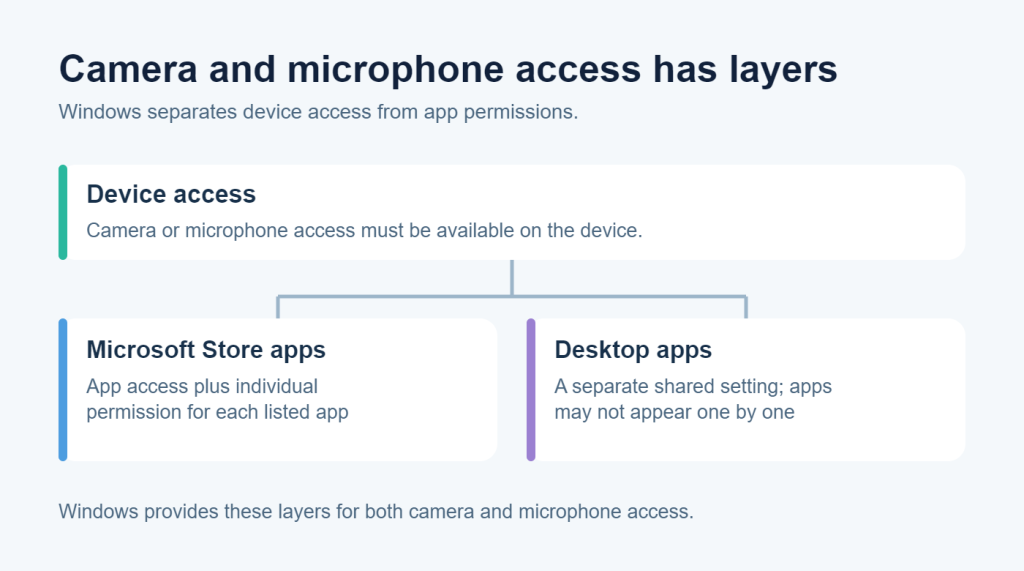
Windows has several layers of camera and microphone permission. Device access, app access, and access for desktop apps are separate settings. A desktop app may not appear in the list of apps you can control individually. Microsoft explains how these permissions work in its camera and microphone privacy guidance.
Windows can also help you notice use: a camera light or notification indicates camera activity, and a microphone icon appears in the taskbar when an app uses the microphone. Permission controls are useful, but they are not a guarantee against malicious software. Microsoft notes that some desktop apps access data differently.
Location access
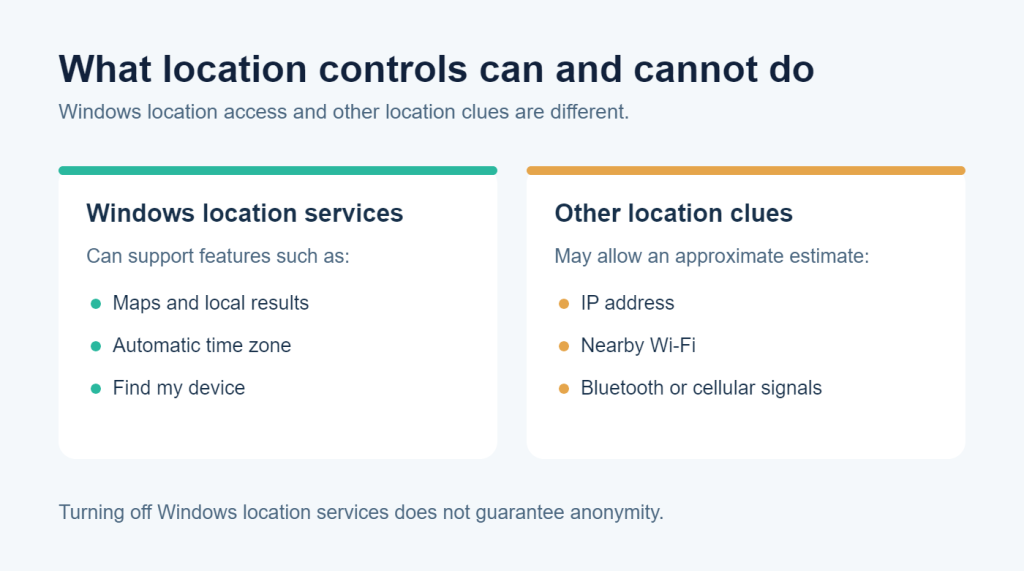
Location services help maps, local weather, and other location-based features. Windows can also use location for automatic time zone and Find my device. Restricting access may affect those features, so the right choice depends on whether you use them.
Turning off Windows location services does not make your location impossible to estimate. Some services may still infer an approximate location from an IP address or wireless signals. Microsoft explains both the benefits and limits of its location setting.
Access to radio modules
Radio modules support wireless functions such as Bluetooth and, on some PCs, cellular connections. Restricting access may affect software or devices that rely on those functions. If you change this setting, check the connections you normally use and restore access if needed.
Windows distinguishes an app’s permission to control a radio from switching a wireless connection off. Because the two actions have different effects, the label Disable access to radio modules should not be read as a promise that Bluetooth or cellular hardware is powered off. Microsoft documents radio-control permissions separately.
Make access a deliberate choice
There is no single setting that suits every PC. Someone who makes frequent video calls needs different access from someone who never uses a webcam. A Bluetooth headset, a location-based feature, or a recording app can also change what is practical.
The Safety area in Outbyte Driver Updater lets you review the four access controls together and turn access back on when you need it. These settings help you manage hardware access; they do not scan for or remove malware. Keep Windows and your apps updated, and use malware protection as part of your wider security routine.
FAQs
Does allowing camera or microphone access mean an app is using it?
No. Permission allows use; it does not mean the device is active at that moment. Windows provides indicators for camera and microphone activity.
Will restricting location hide me from every service?
No. Some services can still estimate an approximate location from other signals.
Do privacy controls replace malware protection?
No. Access settings can limit certain uses of a feature, but they do not diagnose or remove an infection.