Error code 0x8007232B, while activating or updating Windows, can be a bit of a pain. However, this issue is fixable via various paths.
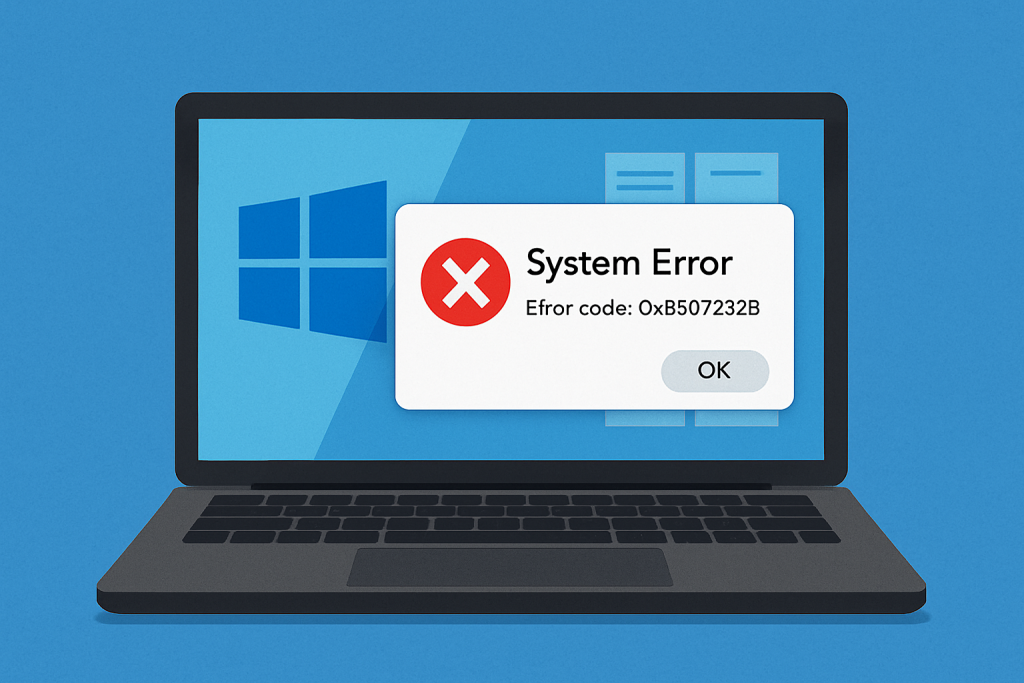
Follow the article to know the causes of this issue and how you will address it effectively.
What is Windows error code 0x8007232B?
It is one of the most frequent mistakes when trying to activate or update Windows 10/11. This error mostly comes with messages such as “DNS name does not exist,” and mainly, it relates to issues while accessing update servers, which, consequently, may result from DNS or network configuration problems.
Causes of Error Code 0x8007232B
Error 0x8007232B can be caused by:
- DNS server is unable to communicate with Microsoft servers.
- Corrupted system files or unwanted junk files.
- Antivirus or malware interference is preventing the device from accessing the update servers.
Solutions to Fix Error Code 0x8007232B
The first thing you need to do is disconnect your internet connection, then run your antivirus software to scan for possible infection. Next, get rid of junk files from your computer with the help of Outbyte PC Repair. This will also completely remove any infected files you’ve deleted using your antivirus software.
Once your system has been cleaned and optimized, you can then try the fixes below to resolve Windows error code 0x8007232B.
Step 1: Clear the Software Distribution Folder
When Windows updates are downloaded, files temporarily stored in the Software Distribution folder may sometimes interfere with updates, causing error 0x8007232B.
To clear these files:
- Disable Wi-Fi, restart, and open Command Prompt as Administrator.
- Stop services by entering these commands:
net stop cryptSvcnet stop bitsnet stop msiserver
- Rename and clear update folders:
ren C:\Windows\SoftwareDistribution SoftwareDistribution.oldrmdir C:\Windows\SoftwareDistribution\DataStorermdir C:\Windows\SoftwareDistribution\Download
- Restart your computer and retry Windows Update.
Step 2: Reset Windows Update Service
If cleaning the folder did not help then try to reset the Windows Update service:
- Run Command Prompt as Administrator.
- Stop and restart services like
wuauserv,bits,cryptsvc, and rename folders likeSoftwareDistributionandcatroot2
Step 3: Update Manually
If the above steps don’t work for you, then this is your next avenue-manual update. This can be performed either through the Windows Update Assistant or by creating an ISO file. The process of updating using an ISO file is represented by the following steps:
- Follow the link to download the Media Creation Tool. Once downloaded, right click on the exe file and then click Run as administrator.
- Click Accept in the End User License Agreement window.
- Choose Create installation media for another PC, then click Next.
- Click on the Edition list box, then choose your Windows version.
- Click Next to download the ISO file.
- Double-click the downloaded ISO file to mount it.
- Follow the on-screen instructions to install the new updates.
Step 4: Edit DNS Settings
If you see “KMS host cannot be located in DNS” try manually assigning a KMS server using Command Prompt:
- Use the command
cscript \windows\system32\slmgr.vbs -skms <IPv4Address>:<port>to set up the KMS host.
Step 5: Run Network Troubleshooter
For DNS issues, we use the inbuilt Network Troubleshooter:
Launch the Network Troubleshooter from your Start menu and follow the screen to repair whatever problem it may detect.
Before you go, don’t miss our guides for more solutions:
How to Fix Windows Error Code 0x8007232B on Windows 10/11
How to Fix Win32kfull.sys Blue Screen Error
What is Blue Screen Error: MACHINE_CHECK_EXCEPTION?
FAQs
Why does Error Code 0x8007232B occur?
It relates to DNS issues from Microsoft servers or access to them.
Can antivirus software be behind this error?
Yes, maybe some antivirus programs block access to the update server.
What would you recommend if none of the methods work?
Then try to contact Microsoft Support, or as a last resort, do a clean install of Windows.
Does doing an offline update work?
Yes, quite often, manually downloading the updates passed system restrictions imposed by their automated updater.








