Imagine you are sitting in a coffee shop with your VPN on, finalizing a sensitive transaction or perhaps downloading a… legally ambiguous file via BitTorrent. You have done everything right. You picked a secure protocol like WireGuard or OpenVPN, your encryption is humming along, and you feel invisible.
Then, the unthinkable happens. The Wi-Fi flickers. Maybe the router hiccuped, or maybe you just shifted in your chair and blocked the signal.
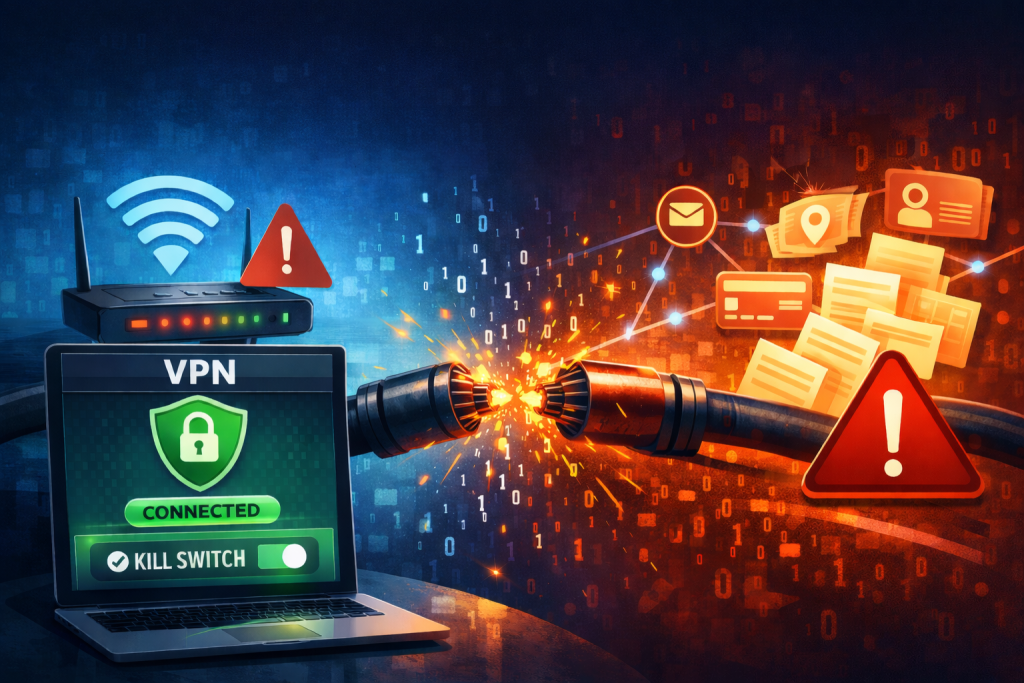
In that microsecond of silence, your secure tunnel collapses. But your computer? It doesn’t know you want to be secret. Desperate to stay online, it instantly reroutes your traffic through the naked, unencrypted public internet.
Suddenly, your ISP, the coffee shop owner, and any script kiddie sniffing the network can see exactly what you are doing. Your real IP address is flashed to the world like a neon sign.
This is a “traffic leak.” It happens faster than you can blink, and it is the reason why the most critical feature in your security arsenal isn’t the encryption itself—it’s the VPN kill switch.
So let’s break down the kill switch VPN feature and why your internet suddenly dies when your VPN disconnects. You are about to find out why this “annoyance” is the only thing standing between you and a privacy disaster.
🧠 Also read: Is Big Brother Watching? The Truth About VPN Effectiveness Against Government Surveillance in 2026
What Is a VPN Kill Switch
To understand the kill switch meaning in VPN terms, we have to look at 19th-century trains. They had a safety mechanism called a “dead man’s switch.” If the engineer became incapacitated and let go of the handle, the brakes would slam on automatically, stopping the train before it could derail.
So what is a VPN kill switch on a VPN? It is the exact same concept for your data. It requires your VPN connection to constantly “hold the button.” If that connection drops—even for a moment—the kill switch engages and instantly severs your device’s access to the internet.
It sounds drastic, doesn’t it? Cutting off your own internet? But a VPN with a kill switch ensures that data can only leave your device if it is inside the encrypted tunnel. If the tunnel isn’t there, the data doesn’t move. Period.
💡 Quick tip: How to Set Up a VPN at Home (Beginner-Friendly Guide)
How Does a VPN Kill Switch Work?
So, what’s actually going on under the hood? Just a relentless game of “Red Light, Green Light.”
The VPN app running on your computer creates a continuous feedback loop—often called a “heartbeat”—with the VPN server. It checks for a pulse every few milliseconds.
- Green light: The server pings back. The app knows the tunnel is stable. Your internet traffic flows normally.
- Red light: The server goes silent (maybe the server crashed or you walked out of range). The VPN kill switch detects this missed heartbeat instantly.
The moment that heartbeat fails, the app executes a system-level command that effectively puts a brick wall up against your network adapter. It creates a firewall rule that proclaims, “Block everything unless it is going to the VPN server.”
This state remains active until the connection is re-established. Once the heartbeat returns, the internet kill switch on your VPN disengages, and your traffic flows again.
💡 Quick tip: Types of VPN Explained: How Each Works and Which Is Best for You
System-Level vs. App-Level VPN Kill Switch
Not every kill switch is built the same. Depending on your paranoia level (and let’s be honest, a little paranoia is healthy here), you might encounter two different types.
System-level kill switch
This is the standard version. When the connection drops, it cuts internet access for the entire device.
- The vibe: Scorched earth. Nothing gets in or out.
- Pros: It is the safest option. No background Windows update or chat app can sneak a packet out.
- Cons: It’s disruptive. If your VPN flickers while you are on a Zoom call with your boss, you are gone.
App-level kill switch
Application-level functionality is a feature that any contender for the best VPN with a kill switch should offer. This allows you to select specific programs that should be cut off if the VPN drops, while leaving the rest of your internet alone.
- The scenario: You set the kill switch to apply only to your torrent client. If the VPN drops, your downloads freeze immediately (saving you from a copyright letter), but your Spotify playlist keeps pumping over your normal internet.
- Pros: Much more convenient for multitasking.
- Cons: You have to manually configure it. If you forget to add a sensitive app to the list, it is defenseless.
🧠 Also read: How to Choose the Best VPN for Your Device
Always On VPN vs. VPN Kill Switch
It is easy to confuse the Always On VPN feature with a kill switch, but they are two different mechanics that work best as a team.
- Always On VPN: This is the “optimist.” The feature is common in iOS and Android. It tells your device to automatically try to reconnect to the VPN if the connection drops. It wants to get you back online as fast as possible.
- VPN kill switch: This is the “pessimist.” It ensures that while Always On is desperately trying to reconnect, no data leaks out.
Without a kill switch, the Always On feature might leak data for the 5–10 seconds it takes to re-establish the tunnel. And in the world of data privacy, 10 seconds is an eternity.
🧠 Also read: Zero-Log (No-Log) VPNs Explained: How to Tell Which Ones Actually Keep Your Secrets
VPN Kill Switch Explained: Is It Optional?
Does every VPN include a kill switch? No, but most premium paid services do. You can even find a reputable free VPN with a kill switch, but don’t fall for the “100% Best, Safe, Unlimited, and Free” promises—9 times out of 10 that’s just a scam.
🧠 Also read: Are Free VPNs Safe? Hidden Risks and Better Alternatives
Here is the bottom line: If you are just using a VPN to watch Netflix from another country, a kill switch is a nice-to-have convenience. But if you are using BitTorrent, connecting to public Wi-Fi, living in a country with strict censorship, or handling sensitive work documents… a kill switch VPN is mandatory. Think of it like a seatbelt. You might drive for years without needing it, but the one time you do, you will be very glad it was there.
FAQs
What does a VPN kill switch do exactly?
A VPN kill switch acts as a fail-safe. It constantly monitors your connection to the VPN server. If that connection drops for any reason, it blocks your device from accessing the internet until the secure tunnel is restored, ensuring your real IP address is never exposed.
How to test a VPN kill switch?
Connect to your VPN and start a continuous process, like a large download or a streaming video. Then, force-close the VPN app via Task Manager. If the download stops immediately and you cannot browse the web, the kill switch is working.
Is there a VPN with an automatic kill switch?
Yes. In fact, nearly every reputable provider now includes a VPN kill switch activated by default because it is considered essential for user privacy. It sits dormant in the background and does not touch your traffic while the VPN is active, only engaging when the connection fails to prevent data leaks. It has zero impact on your browsing speed.
Is there a VPN kill switch for Android and iOS?
Yes. Most major providers include a VPN kill switch for iPhone and Android devices in their app settings. A VPN kill switch on iOS is often integrated with the system’s “On-Demand” settings, though it can be trickier to configure strictly than on desktop.
What is the difference between a VPN kill switch on Windows vs. Mac?
The core function is the same, but the plumbing differs.
1. A VPN kill switch for Windows usually uses the Windows Filtering Platform (WFP) to block traffic.
2. A VPN kill switch for Mac uses the macOS Network Extension framework.
Despite this difference, both achieve the same result: total network blocking upon disconnection.







