Gamers know the frustration: a new game drops, but instead of a smooth experience you get stutters, FPS dips, laggy controls — and a fan loud enough to take flight. In many cases, the hardware isn’t the issue… outdated drivers are.
Graphics cards, chipsets, network adapters, audio devices, and game controllers all rely on drivers that must stay in sync with game and Windows updates. When they fall behind, performance goes down with them.
Outbyte Driver Updater removes this risk by automatically checking for new versions, backing up existing drivers, and applying compatible updates that help your hardware perform at its full potential.
Why Updated Drivers Matter for Gaming
New games ship with new technologies — and GPU manufacturers respond with drivers that:
- Improve FPS and texture loading
- Enhance stability in newly launched titles
- Fix display glitches
- Boost power efficiency and better cooling management
If your GPU doesn’t have those optimizations yet → it will struggle.
And it’s not just graphics:
| Driver | Why it matters for gaming |
|---|---|
| Audio | Clear voice chat + precise spatial audio |
| Network | Stable ping and packet handling |
| Chipset | Faster communication between CPU + memory |
| Bluetooth / Controller | Lower input delay, fewer disconnects |
Keeping all performance-related drivers updated prevents bottlenecks that slow down gameplay.
How Hardware Performance Improves With Updates
Outdated drivers can silently drag down performance:
- Random FPS drops that look like lag
- Delayed input in shooters
- Online desync or disconnects
- Texture pop-ins or visual artifacts
- GPU stuck at lower power levels
Updated drivers deliver:
- Better Windows–hardware communication
- More efficient usage of system resources
- Thermal improvements → less throttling
- Crash fixes for highly demanding games
✚ A GPU driver update alone can improve FPS by 3%–15% depending on the game — a free upgrade you probably haven’t used yet.
Why Manual Updates Cause Trouble
Manually searching for drivers is a risky guessing game:
- Wrong file → black screen or driver crash
- Generic drivers → reduced gaming performance
- Different installers → confusing process
- Important updates (like chipset) get missed
Most gamers update only the GPU and forget the rest — but smooth performance depends on every connected component being updated.
Automation solves that.
How Outbyte Automates Driver Updates for Maximum Stability
Outbyte Driver Updater scans the system to find outdated, incompatible, or missing drivers that may be hurting gaming performance.

With one click, Outbyte prepares safe updates selected specifically for your hardware:
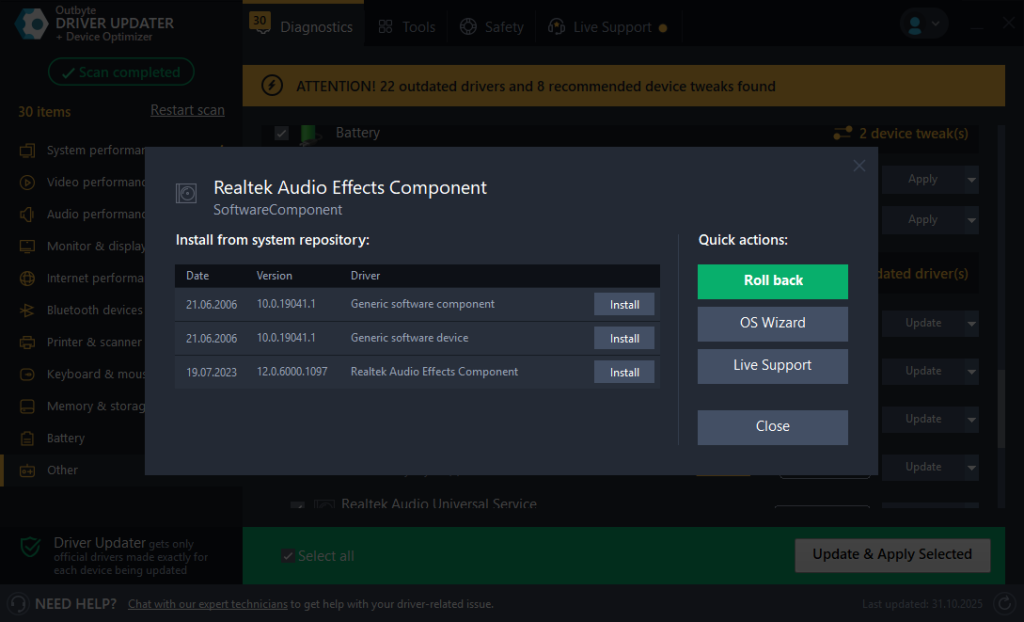
Before changes happen, Outbyte:
- Creates restore points
- Backs up current drivers
- Uses manufacturer-verified versions
Upgrade your gaming setup safely with Outbyte Driver Updater — everything from scan to install is automated.
Before & After: The Gaming Difference
Scenario examples:
🎮 Before:
- Texture loading feels slow
- Game stutters at random moments
- Controller drops connection
⚙️ After Outbyte updates drivers:
- GPU driver better handles demanding scenes
- Network latency stabilizes for smoother online play
- Bluetooth reconnects reliably
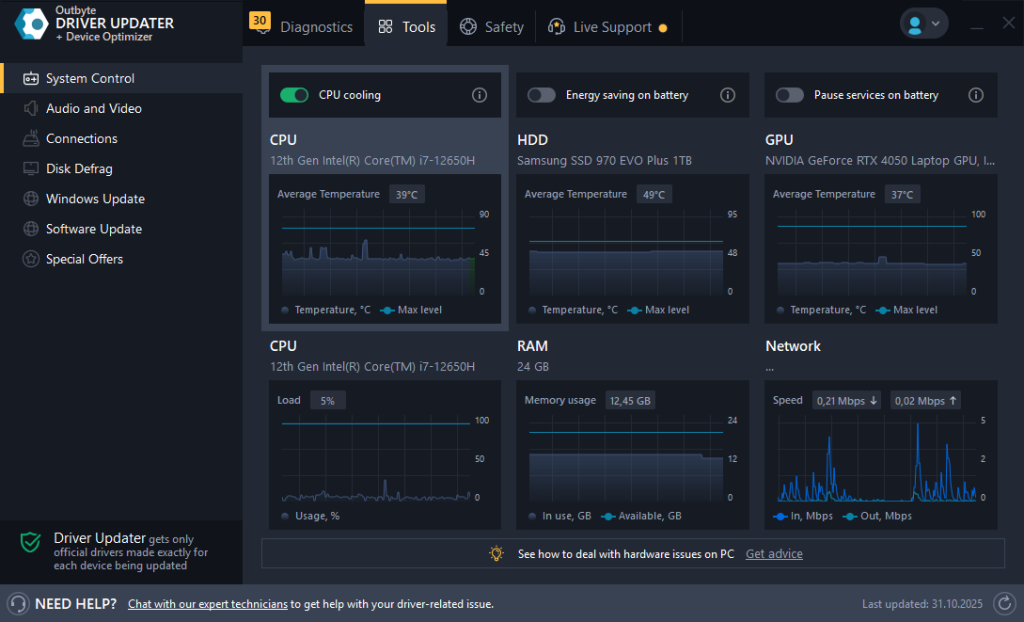
Gamers may also want to monitor system load:
Drivers aren’t flashy — but they’re the engine behind performance you can feel.
Better performance doesn’t always require new hardware — sometimes you just need to give your current components the right instructions.
Automatic updating in Outbyte Driver Updater helps ensure every device is ready for the latest game updates, smoother gameplay, and more reliable hardware performance.
FAQ
Will updated drivers always increase FPS?
Not always — but they often unlock optimizations for new games and fix stuttering.
Can overheating come from outdated drivers?
Yes — power/thermal bugs can force hardware to work harder than needed.
Do I need to install every driver update?
Install when stability or performance is involved (especially GPU/network).
Can automatic updates replace hardware upgrades?
No — but they ensure you’re getting all possible performance from existing parts.
Do network drivers help online gaming?
Absolutely. Updated drivers can reduce disconnects and packet loss.








