Error 0x800703F1 prevents a correct Windows Update installation designed to improve performance and patch security flaws.
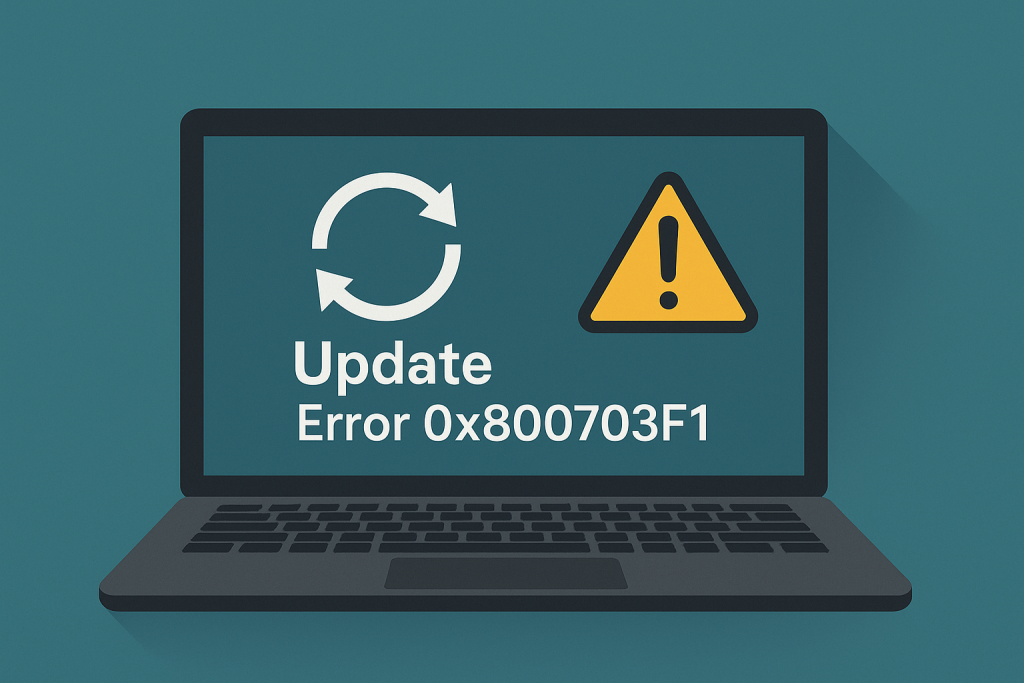
In this guide, we will investigate several techniques that you can utilize to troubleshoot and then resolve this error.
These errors are common to appear due to conflict between system files, problematic drivers, or disrupted updates.
Step-by-Step Solutions
Issues like error 0x800703F1 in Windows 10 can be judged rather common, with several troubleshooting options that you could try to get rid of them.
In the case of this particular error, the following options can be helpful with Outbyte PC Repair.
Run Windows Update Troubleshooter
To diagnose issues, navigate to Settings > Update & Security > Troubleshoot and run the Windows Update Troubleshooter.
Perform a Clean Boot
Open System Configuration by typing MSConfig into the Start search field.
- Under the General tab select Selective Startup. Place a check in Load System Services and uncheck Load Startup Items.
- Under the Services tab, put a check in the box beside Hide all Microsoft services and click the Disable all button.
- Click OK and restart your PC to boot into Clean Boot mode.
Once the update is installed, go back and repeat these steps to re-enable services.
Manually Install Updates
If updates fail, you can manually install them from the Microsoft Update Catalog.
Download and install the .Net Framework
If the .Net Framework is the reason your updates keep getting stuck, consider installing it separately.
Once installed, try downloading the Windows Update again.
Restart Update Components
Open Command Prompt (Admin) and reset the Windows Update services by entering:
net stop wuauserv
net stop cryptSvc
net stop bits
net stop msiserver
ren C:WindowsSoftwareDistribution SoftwareDistribution.old
ren C:WindowsSystem32catroot2 Catroot2.old
net start wuauserv
net start cryptSvc
net start bits
net start msiserver
Restart Windows Update Services
To restart the Windows Update Services, follow these steps:
- Press Windows + R, type
services.msc, and press Enter. - Under Services – find Windows Update and right click and choose Restart
- Make sure that
Windows Update,RPC Endpoint Mapper,DCOM Server Process Launcherare running. - Restart your PC and update again
Update Drivers
Use Device Manager to check for driver updates. Alternatively, you can try Outbyte Driver Updater.
Reinstall Windows
If all else fails, a reinstall should refresh your system and clear up stubborn errors.
Need More Help? Check out these guides for more solutions:
How to Fix Windows Error Code 0x8007232B on Windows 10/11
How to Fix Win32kfull.sys Blue Screen Error
What is Blue Screen Error: MACHINE_CHECK_EXCEPTION?
FAQs
What is error code 0x800703F1?
The problems often occur because of corrupted system files or due to driver conflicts.
Is there no other way to reinstall Windows?
Not necessarily, try all solutions here before reinstalling.
How do I avoid it in the future?
Keep your drivers up to date, and run maintenance utilities on a routine basis.








