Not protected!
Your IP remains the same as before.
Protected
Your IP address has changed - your VPN appears to be active.
-
Location:
 Columbus, Ohio (United States)
- ASN: 16509
- ISP: AMAZON-02
- OS:
- Browser:
- Timezone: America/New_York
- Language:
- Proxy: No
What Is an IP Address?
An IP address (short for Internet Protocol address) is a numeric label assigned to a device when it connects to the internet. It’s basically your device’s public “return address”—websites and servers use it to know where to send data.
But how can I check my IP address? That’s where the What Is My IP tool comes in—it shows how others see you when you surf the web.
Why Checking Your IP Matters
Asking “What is my IP address?” makes sense—checking your IP helps you understand what information is visible to others. Here’s what it helps you with.


IPv4 vs. IPv6 Addresses
IPv4
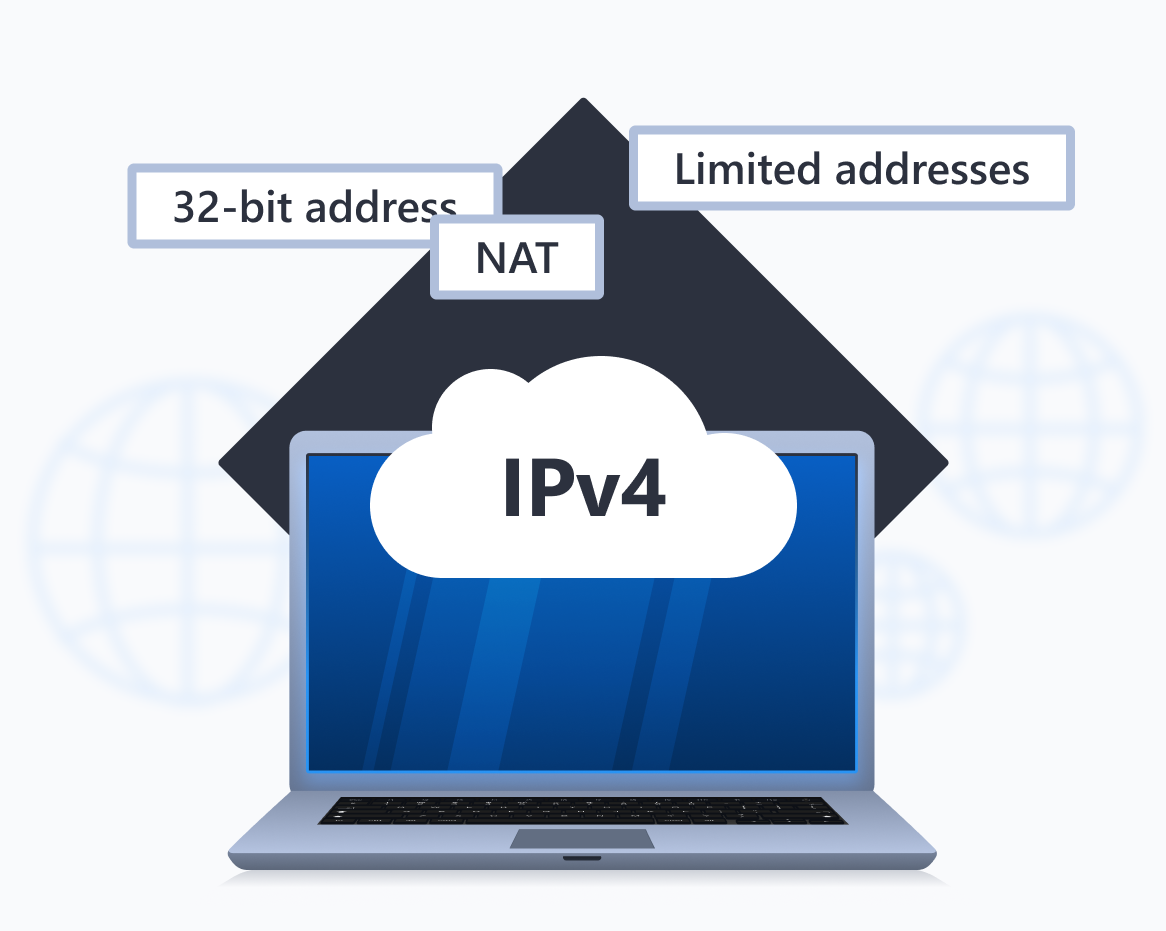
Traditional IPv4 addresses are familiar to most of us: they represent four sets of numbers divided by dots—like 192.168.0.1 — and use a 32-bit format, which gives about 4.3 billion unique addresses. That was enough when the internet was smaller, but not for today’s billions of devices.
Because of that scarcity, networks often use shared or private addressing behind routers, which can affect how your device connects and how accurately your location is identified online.
IPv6
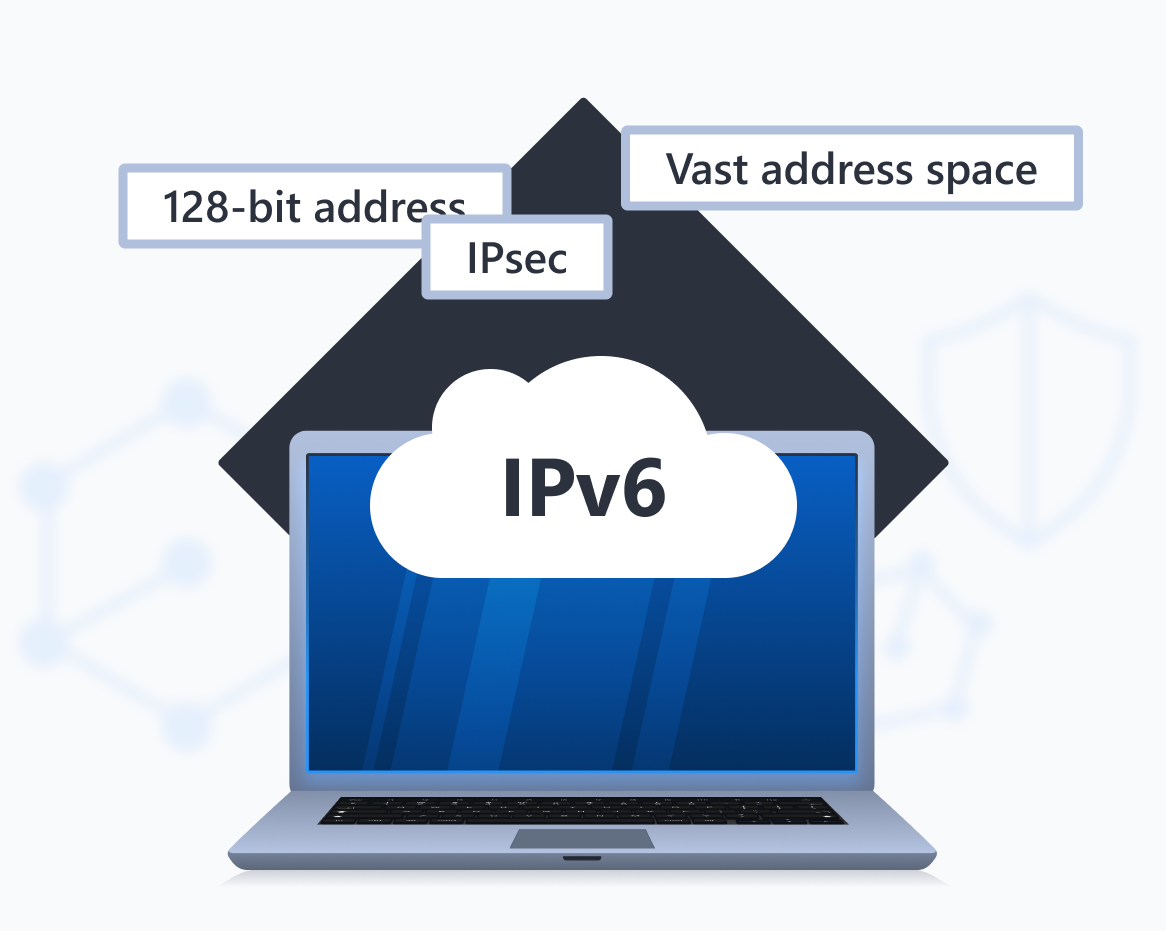
IPv6 was designed to replace IPv4’s limits. It uses a 128-bit format and consists of eight groups of hexadecimal characters, separated by colons—like 2001:0db8:85a3:0000:0000:8a2e:0370:7334.
IPv6 supports an almost unlimited address space, offers improved routing, and is overall safer if we compare IPv4 vs. IPv6 security features.
Many modern networks and websites already support IPv6 alongside IPv4.
Public vs. Private IP Addresses
Wondering, “What is my public IP address, and how is it different from my private IP?” Each device can have both—and both are equally important. Here’s the public IP vs. private IP difference.
Private IP
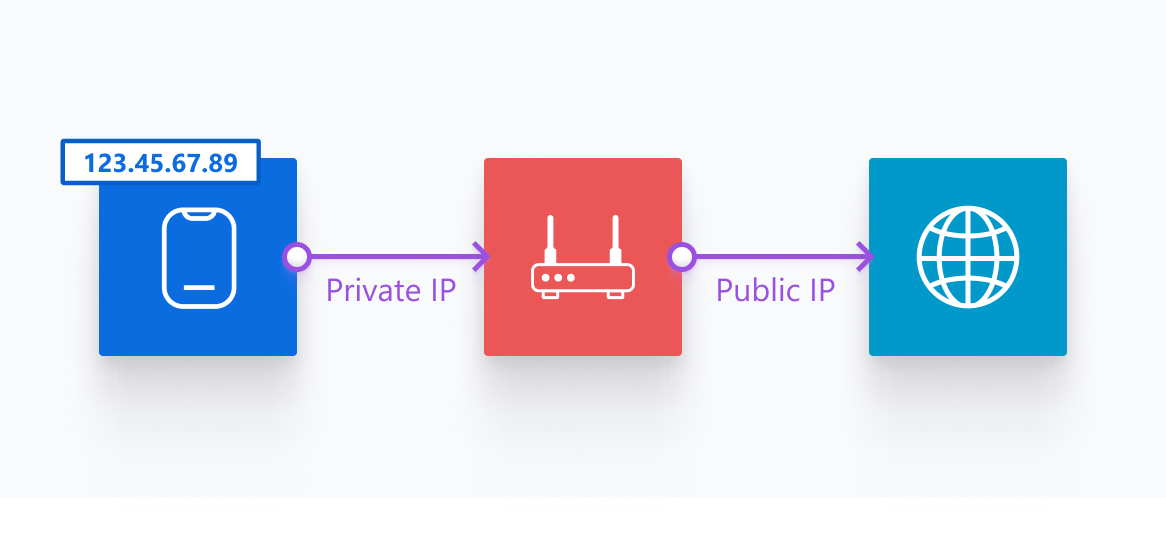
A public (or external) IP is the address your ISP gives your router. That’s the one websites and online services see when you browse—the address the What Is My IP tool shows.
Public IP
A private (or local) IP is the address your router assigns to devices on your local network (phones, laptops, printers). These addresses are used inside your home or office network but aren’t visible to others on the internet.
Frequently Asked Questions (FAQ)
How do I find my public IP address?
Use the What Is My IP tool—it shows your public IP along with your location, ISP, timezone, and other information visible to websites and online services.
Can websites or apps show my IP when I visit them?
Yes. Every website, server, or third-party resource you connect to can see your public IP—it’s how they know where to send the data you requested. Embedded content (ads, trackers, analytics) and some apps also record IPs in their logs. In rare cases, browser features like WebRTC can even expose your private IP unless they’re blocked.
Why does my IP address show a different location?
IP geolocation databases map IP blocks to approximate locations. ISPs often route traffic through regional hubs or assign addresses from a pool that’s registered to another city, so the IP location is an estimate, not precise coordinates.
How do I find my IP address on my phone?
Open your phone’s Wi-Fi settings to see the private IP assigned by your router. To find your public IP, open a browser and use an IP address lookup like this What Is My IP tool.
How do I find my IP address on Windows or Mac?
To find your private IP:
- Windows: Go to
Settings → Network & internet, clickPropertiesunder your connection, and scroll down toIPv4 address or IPv6 address. Alternatively, open the Command Prompt and runipconfig. - Mac: System
Settings → Network → select your connection → Details → TCP/IP. Alternatively, open Terminal and runifconfig / ipconfig getifaddr en0.
To find your public IP that websites see, open a browser and use the What Is My IP tool.
Does my IP address show my exact location?
No. A public IP can reveal your approximate city, region, and ISP, but it won’t show your doorstep. Exact location would require GPS or Wi-Fi triangulation, which websites can’t get from an IP alone.
How can I hide or change my IP address?
A reliable VPN will route your traffic through an external server and replace your visible public IP with that server’s IP. That lets you “appear” in another country and improves privacy. Other options include using a proxy or the Tor network—each has trade-offs in speed and security.
What is IPv4 vs. IPv6?
IPv4 is the older 32-bit protocol limited to about 4.3 billion addresses. IPv6 is the newer 128-bit protocol that expands that address pool dramatically and improves routing and efficiency. Both coexist today, but IPv6 is the long-term solution.