Is Your Computer Running Hot? The Ultimate Laptop Overheating Fix for 2026
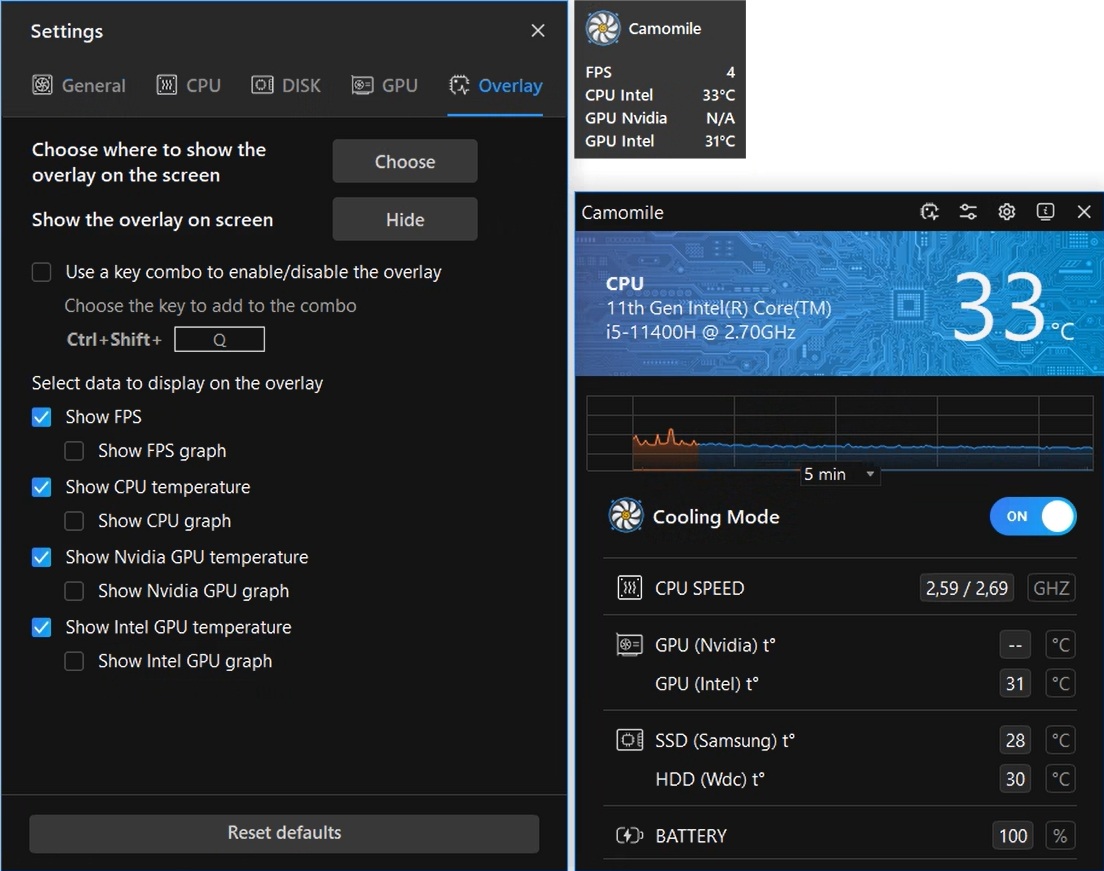
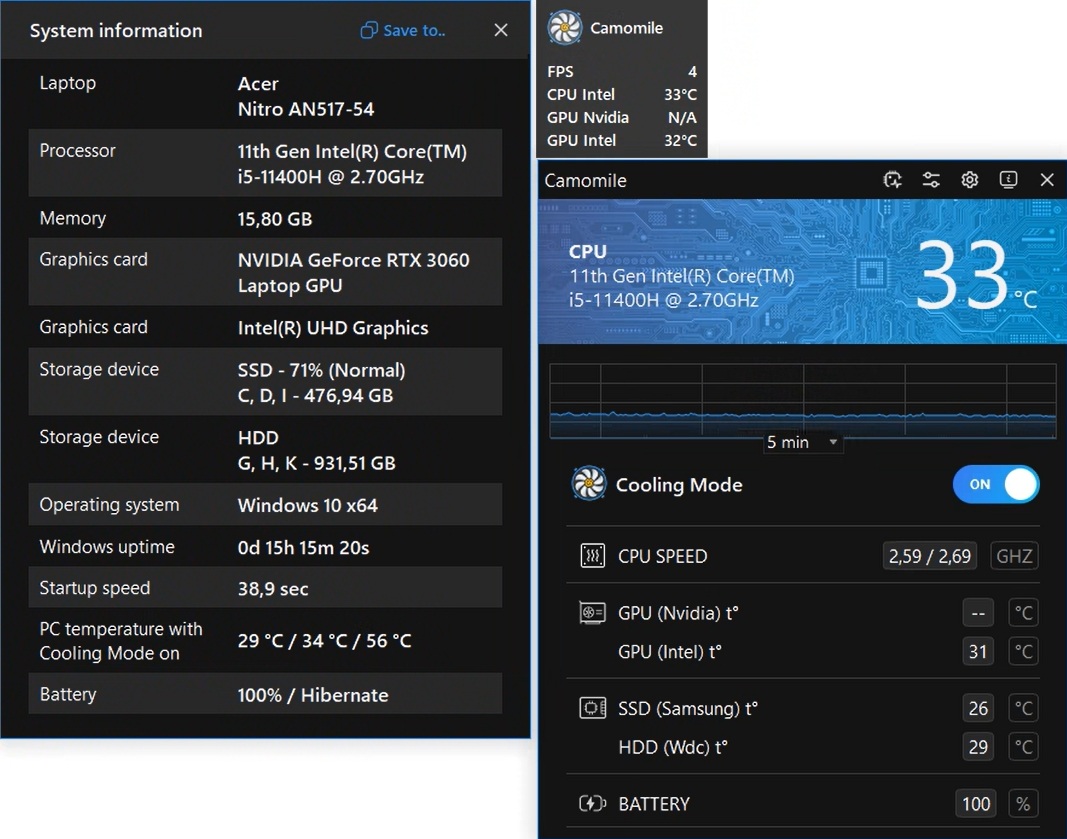
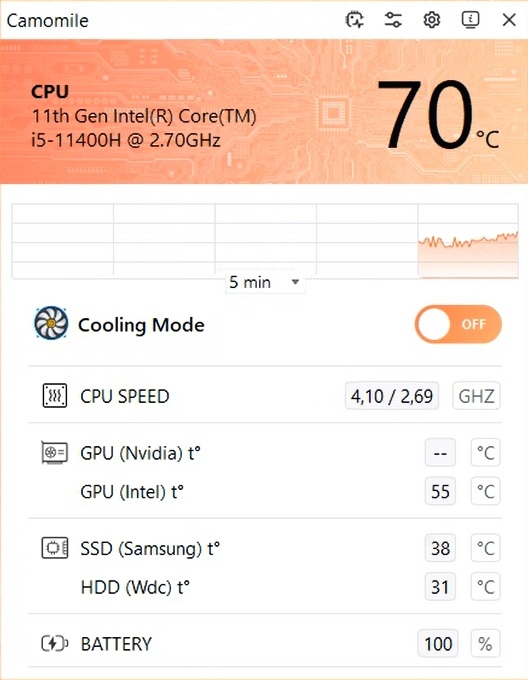
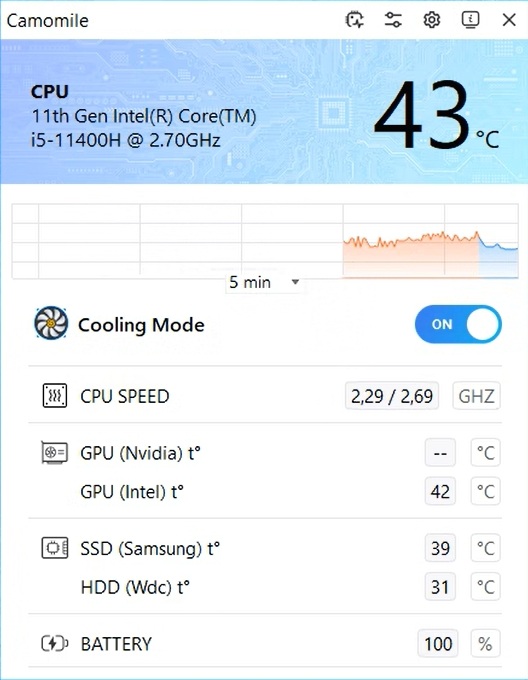

The following steps may resolve the issue:
- Step 1. Download Outbyte Camomile application See more information about Outbyte uninstall instructions EULA Privacy Policy.
- Step 2.Install and launch the application
- Step 3.Switch ON/OFF button to reduce CPU temperature and speed up computer
| Compatibility | Win 11, 10, 8, 7 |
| Download Size | 21.2 MB |
| Requirements | 300 MHz Processor, 256 MB RAM, 50 MB HDD |
Limitations: The trial version offers unlimited scans, backups, and restores. Full version registration starts at $14.98.

Outbyte Camomile (version 1.1.12.641) is certified by AppEsteem – a trusted cybersecurity organization – with ongoing monitoring.
Being able to meet all of AppEsteem’s strict requirements means that Outbyte Camomile can be considered clean, safe, and transparent; and that it is compliant with the ethical and legal norms of distribution.
AppEsteem is one of the world’s most prominent cybersecurity organizations that contributes to the safety of more than 2 billion users. The company was founded by a team of experienced Microsoft cybersecurity specialists. Its mission is to create a safe space for computer and internet users where they are protected against cyber threats and deceptive or unethical practices.
We’ve all been there—you are in the middle of a critical task, and suddenly, your computer gets hot enough to fry an egg and starts roaring like it’s preparing for takeoff. What happens next? Performance tanks, and then—darkness. Your computer overheated and shut down. It’s a tale as old as time.
An overheating PC is not just a temporary annoyance; it is a rapid decay of expensive silicon. Whether dealing with a massive desktop tower or a sleek Acer laptop overheating, ignoring the warning signs will not magically make the problem vanish. You need concrete computer overheating solutions before the damage becomes irreversible.
Let’s figure out why your machine is transforming into a space heater and whether there is a laptop overheating fix for when your computer is running hot.
Contents
[hide]Why does your PC overheat?
When your hardware reaches the boiling point, it is rarely a profound mystery. I will let you in on a little secret—no brand is immune to thermodynamics. A premium Dell XPS laptop overheating looks just as spectacular as when an ASUS laptop overheats. It all boils down to restricted airflow, chemical degradation, or bloated software pushing your processor over the edge.
The following steps may help resolve a slow computer:
- Download Outbyte Camomile
Special offer. See more information about Outbyte; uninstall instructions; EULA; Privacy Policy. - Install and launch the application
- Click the Scan Now button to detect potential issues causes
- Click the Repair All button to resolve found abnormalities
Here is why your rig is suffocating:
- The dust blanket: This is one of the most common culprits for notebook overheating. Dust bunnies literally insulate your copper heatsinks, turning cooling fans into useless spinners.
- Microscopic blockades: That chalky residue sitting between your CPU and the cooler? That is old thermal paste now acting as a thermal wall.
- Surface suffocation: Working with your device resting directly on a duvet suffocates the bottom intake vents.
Why is computer overheating bad?
The worst thing about an overheating laptop or computer is that it is not a one-off anomaly. Without intervention, the degradation accelerates. Whether it is an aging desktop or an Acer laptop overheating, excessive thermal stress is the silent killer of your hardware’s lifespan.
The stakes are considerably higher for mobile powerhouses. If you let a gaming laptop overheat continuously, you risk warping internal plastics and degrading the battery matrix. It might not melt after a single grind, but is this a game of roulette you want to play with a premium machine?
What are the signs of a computer overheating?
It’s not that hard to spot the red flags. Whether dealing with HP laptop heat issues or a sudden Lenovo laptop overheat, the symptoms are universally identical:
- Agonizing sluggishness: The processor deliberately throttles its own speed to prevent more serious consequences.
- Loud acoustics: The fans spin at maximum RPM, sounding like a malfunctioning vacuum cleaner.
- Random reboots: The motherboard pulls the plug to save the silicon from burning out.
Is there a laptop overheating fix?
Luckily, you do not need an advanced engineering degree to bring those soaring temperatures back down. Even an aging Dell Inspiron overheating can be salvaged if you take the right steps.
Here is your non-negotiable thermal recovery plan:
- Elevate and ventilate: Stop smothering your hardware. Investing in a rigid laptop stand for overheating is the absolute cheapest insurance policy you can buy.
- Execute a deep clean: Power down, grab a can of compressed air, and blast the accumulated grime out of the exhaust ports.
- Optimize CPU efficiency: Sometimes the hardware is fine, but the software is greedy. Background processes drain resources and spike temps. Running a CPU optimization app like Camomile manages these unoptimized threads, lowers core temperatures, and extends battery life—all without opening the chassis.
- Perform thermal surgery: If out of warranty, replacing the thermal paste is a massive game-changer. It requires a steady hand but drastically drops peak temperatures. Just remember that most manufacturers void warranties if you do this yourself.
How do I avoid computer overheating in the future?
Treat your hardware with the respect it actually deserves. A Chromebook overheating (if you leave it with forty tabs open on a sunlit patio) or a workstation melting under heavy loads both stem from neglect. A machine that breathes easily operates flawlessly. Use tools like Camomile to monitor and control your PC temperature, and do not ignore the signs of thermal throttling—your PC or laptop will thank you by performing better and serving you longer.