Πώς να διορθώσετε έναν αργό υπολογιστή
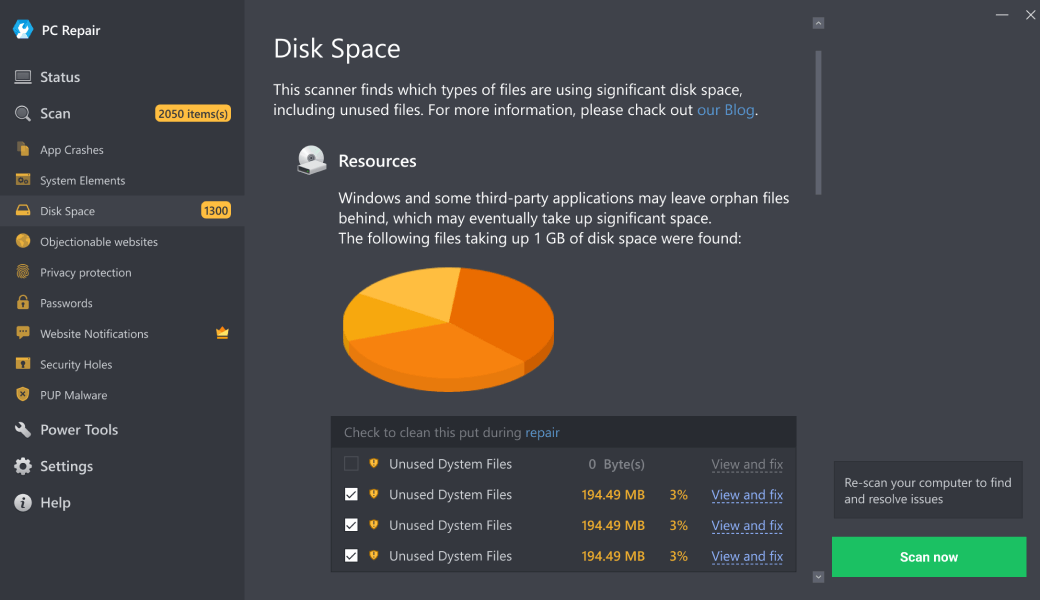
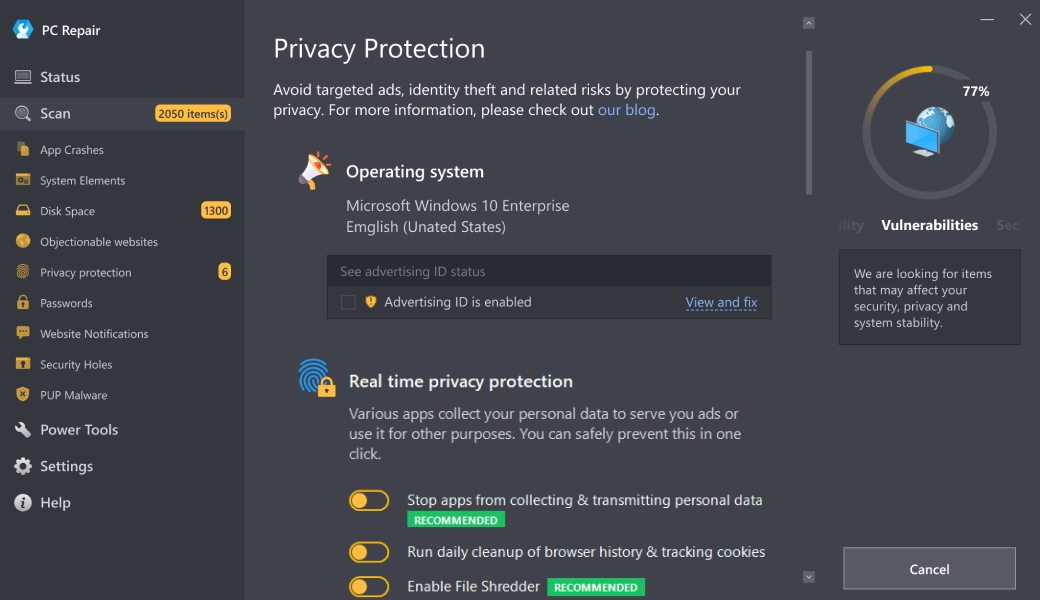
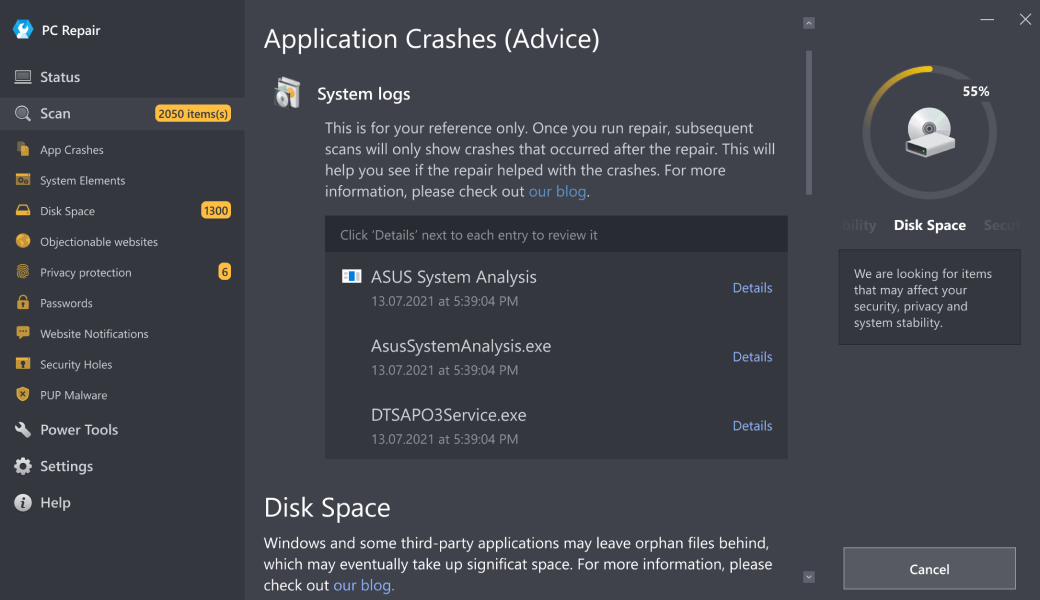
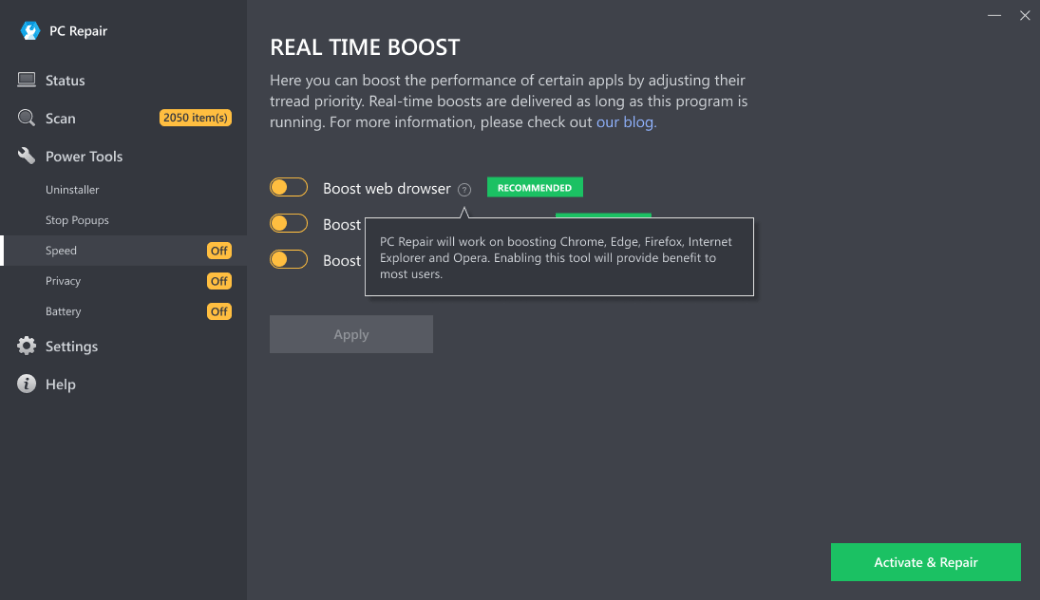

Τα ακόλουθα βήματα μπορεί να διορθώσουν το ζήτημα :
- Βήμα 1. Κάντε λήψη της εφαρμογής PC Repair Δείτε περισσότερες πληροφορίες για το Outbyte οδηγίες απεγκατάστασης EULA Πολιτική απορρήτου.
- Βήμα 2.Κάντε εγκατάσταση και ξεκινήστε την εφαρμογή
- Βήμα 3.Κάντε κλικ στο κουμπί Σάρωση τώρα για να εντοπίσετε ζητήματα και ανωμαλίες
- Βήμα 4.Κάντε κλικ στο κουμπίΕπιδιόρθωση όλων για να διορθώσετε τα ζητήματα
| Συμβατότητα | Win 11, 10, 8, 7 |
| Μέγεθος λήψης | 21,2 MB |
| Απαιτήσεις | Επεξεργαστής 300 MHz, 256 MB RAM, 50 MB HDD |
Περιορισμοί: η δοκιμαστική έκδοση προσφέρει απεριόριστο αριθμό σαρώσεων, δημιουργίας αντιγράφων ασφαλείας και επαναφορά δωρεάν. Η εγγραφή για την πλήρη έκδοση ξεκινάει από 29,95 USD.

Το Outbyte PC Repair (έκδοση 1.1.12.641) είναι πιστοποιημένο από τον AppEsteem - έναν αξιόπιστο οργανισμό κυβερνοασφάλειας - με συνεχή παρακολούθηση.
Το γεγονός ότι πληροί όλες τις αυστηρές απαιτήσεις του AppEsteem σημαίνει ότι το Outbyte PC Repair είναι καθαρό, ασφαλές και διαφανές και συμμορφώνεται με τα ηθικά και νομικά πρότυπα διανομής.
Ο AppEsteem είναι ένας από τους σημαντικότερους οργανισμούς στον κυβερνοχώρο στον κόσμο που συμβάλλει στην ασφάλεια περισσότερων από 2 δισεκατομμυρίων χρηστών. Η εταιρεία ιδρύθηκε από μια ομάδα έμπειρων ειδικών στον τομέα της κυβερνοασφάλειας της Microsoft. Η αποστολή του είναι να δημιουργήσει έναν ασφαλή χώρο για τους χρήστες υπολογιστών και διαδικτύου, όπου προστατεύονται από απειλές στον κυβερνοχώρο και παραπλανητικές ή ανήθικες πρακτικές.
A slow computer is reported to be one of the most common complaints PC repair technicians hear when users bring in their PC's for repair or service. This condition may be caused by a wide array of issues, including invalid or corrupt entries in system elements, incorrect system settings that interfere with proper operation, too many browser tabs/programs opened, too many applications that open automatically, unnecessary software updates, misconfigured internet connection settings that lead to slower connection speeds and a number of other factors.
Slow computer conditions may be resolved and prevented with special software that detects and eliminates common causes of PC slowdowns.
The article provides details on the symptoms, potential causes and ways to repair slow computer conditions.
Contents
[hide]Ways to repair slow computer conditions
Advanced PC users may be able to improve their computer's speed by manually resolving the common causes of computer slowdown – by adjusting system and internet connection settings, other users may want to hire a technician to do it for them. However, since any manipulations with system settings and system elements carry a risk of rendering the operating system unbootable, whenever a user is in any doubt of their technical skills or knowledge, they may use a special software that is meant to resolve common speed issues and repair system elements without requiring any special skills from the user.
The following steps may help resolve a slow computer:
- Download Outbyte PC Repair
Special offer. See more information about Outbyte; uninstall instructions; EULA; Privacy Policy. - Install and launch the application
- Click the Scan Now button to detect potential issues causes
- Click the Repair All button to resolve found abnormalities
The same application can be used to run preventative measures to reduce the chance of this or other system issues appearing in the future.
Symptoms of slow computer conditions
The most common symptoms of a slow computer include increased time for PC startup and shutdown, slower application launching, application or whole system freezes, slower response times (which may be noticed by users of text editors, where typed characters may appear on the screen with a brief delay), application crashes that require program restarts or computer reboots. In the case of slow internet connection speed, the user may notice slower web browsing, lower file download or upload speeds, poor quality of web calls, delays in message delivery when using chat programs and a number of other slowness symptoms.
Causes of slow computer conditions
Among the most common causes of slow computer conditions are misconfigured system settings that require adjusting, presence of invalid or corrupt entries in system elements that prevents applications or system components from operating properly, too many browser tabs/programs opened, too many applications that open automatically, unnecessary software updates. Slow web browsing, downloads and web call interruptions on a supposedly high-speed connection may be caused by incorrect network settings.