How To Fix Yahoo Mail Access Denied in Windows
How To Fix Yahoo Mail Access Denied in Windows
When you encounter a "Yahoo Mail Access Denied" issue in Windows, it means your computer or web browser is being blocked from connecting to Yahoo's mail servers. This frustrating issue prevents you from accessing your emails through the Yahoo Mail website or app, leaving you unable to send, receive, or manage messages. While the issue message appears on your Windows computer, the problem typically stems from connection issues between your system and Yahoo's services rather than a direct Windows malfunction.
This access denial commonly occurs in several scenarios: when your internet connection is unstable, when browser cache and cookies have become corrupted, when security software like Windows Defender or third-party antivirus programs are overly restrictive, or when Yahoo's servers are experiencing temporary outages. The issue can affect all modern Windows versions, including Windows 10 and Windows 11, regardless of whether you're using browsers like Microsoft Edge, Google Chrome, or Mozilla Firefox. While this problem primarily impacts your ability to use Yahoo Mail, it doesn't typically affect other computer functions or applications.
Fortunately, this is almost always a resolvable issue that doesn't require advanced technical knowledge. In most cases, the access denial results from temporary glitches that can be resolved through straightforward troubleshooting steps. This guide will walk you through practical solutions to restore your Yahoo Mail access quickly and securely, ensuring you can get back to managing your email with minimal disruption to your workflow.
PREPARATION STEPS
Before attempting any technical resolves for Yahoo Mail access issues, please complete these preparatory measures to ensure system safety and data integrity.
1. Create a System Restore Point
- Open Start Menu, type "Create a restore point," and select the result
- Click "Create" and follow the prompts to establish a restore point
- Purpose: Allows safe system rollback if modifications cause unintended consequences
2. Backup Critical Data
- Export browser bookmarks and saved passwords
- Copy important documents to external storage or cloud service
- Purpose: Prevents data loss during troubleshooting procedures
3. Temporarily Disable Security Software
- Right-click antivirus icon in system tray and select "Disable" or "Turn off"
- Choose temporary disable option (typically 15 minutes to 1 hour)
- Purpose: Eliminates potential interference from overprotective security settings
4. Document Current Settings
- Note current browser configurations and extensions
- Record any custom DNS or proxy settings
- Purpose: Provides reference for restoration if changes are needed
STEP-BY-STEP FIXES
Method 1: Browser Cache and Cookie Reset
1. Press Ctrl+Shift+Delete to open clear browsing data menu
2. Select "All time" as time range
3. Check boxes for "Cookies and other site data" and "Cached images and files"
4. Click "Clear data"
5. Restart browser and attempt Yahoo Mail access
Method 2: Hosts File Verification
1. Navigate to `C:\Windows\System32\drivers\etc\`
2. Right-click "hosts" file and open with Notepad as Administrator
3. Verify no Yahoo-related entries exist (e.g., `127.0.0.1 login.yahoo.com`)
4. Remove any suspicious Yahoo entries if present
5. Save file and restart computer
Warning: Incorrect hosts file modification can disrupt internet connectivity.
Method 3: DNS Cache Flush and Reset
1. Open Command Prompt as Administrator
2. Execute sequential commands:
```cmd
ipconfig /flushdns
ipconfig /registerdns
ipconfig /release
ipconfig /renew
netsh winsock reset catalog
netsh int ip reset reset.log
```
3. Restart computer after command completion
4. Test Yahoo Mail accessibility
ADVANCED SOLUTION OPTION
For persistent access issues or when manual troubleshooting proves insufficient, automated repair tools offer comprehensive resolution capabilities. Outbyte PC Repair provides systematic diagnosis and correction of complex system conflicts that may affect mail client functionality, including registry issues, network configuration problems, and security setting conflicts. This professional-grade solution efficiently addresses multiple potential causes simultaneously, saving significant troubleshooting time while optimizing overall system performance through its integrated maintenance features for browser stability, network connectivity, and security protocol management.
Download Outbyte PC Repair for automated issue diagnosis and repair (compatible with Windows 8/10/11).Special offer. See more information about Outbyte; uninstall instructions; EULA; Privacy Policy.
Of course. Here is a detailed breakdown of the causes and a professional conclusion for the "Yahoo Mail Access Denied" issue.
MAIN CAUSES
The "Access Denied" issue when trying to reach Yahoo Mail is a security measure that prevents you from logging in. It is rarely a problem with the Yahoo service itself being down, but rather an issue with how your login attempt is being perceived by Yahoo's security systems. The primary causes are:
1. Incorrect Login Credentials: The most common cause is simply entering an incorrect password or email address. Yahoo's security will lock out an account after several failed attempts to prevent brute-force attacks. Even a single typo can trigger this response if the system suspects suspicious activity.
2. Suspicious Login Activity (Account Security Lock): Yahoo employs sophisticated algorithms to detect unusual login patterns. If you are logging in from a new device, a different geographic location (e.g., while traveling), or using a new IP address (common with VPNs or some public Wi-Fi networks), Yahoo may temporarily block the login attempt as a precautionary measure to protect your account from unauthorized access.
3. Browser-Related Issues: Corrupted or outdated data stored by your browser can interfere with the login process.
* Corrupted Cache and Cookies: Your browser stores temporary files (cache) and small pieces of site data (cookies) to speed up loading. If these files become corrupted, they can cause conflicts with Yahoo's login scripts, leading to an access denied issue.
* Outdated Browser: An obsolete browser version may lack the current security protocols (like TLS 1.2 or higher) that Yahoo requires for a secure connection, resulting in a rejection.
* Conflicting Extensions: Browser extensions, particularly ad-blockers, password managers, or privacy-focused add-ons, can sometimes interfere with the scripts running on the Yahoo Mail login page, blocking essential elements.
4. Third-Party App Password Requirements: If you have Two-Factor Authentication (2FA) enabled on your Yahoo account and are trying to connect it to a third-party email client (like Outlook, Thunderbird, or a mobile mail app), you cannot use your regular account password. These apps require a unique, app-specific password generated within your Yahoo account settings. Using your standard password will result in an "Access Denied" issue.
5. Temporary Service Glitch or Blocked IP Range: On rare occasions, a transient glitch on Yahoo's servers can cause a false positive. Furthermore, if the IP address you are using (from your ISP or VPN) has been associated with malicious activity in the past, Yahoo may preemptively block all connection attempts from that entire IP range.
6. Account-Specific Restrictions: In some cases, Yahoo may have placed a temporary restriction on the account itself due to a violation of its Terms of Service (e.g., sending spam) or because the account has been inactive for an extended period.
CONCLUSION
Encountering an "Access Denied" issue can be a significant disruption, especially when you rely on email for daily communication, work, and personal organization. While the immediate solution involves methodically checking the causes listed above—starting with verifying your credentials, trying a different browser or device, and ensuring you are not using a VPN—this situation serves as an important reminder of the critical role proactive system maintenance plays in ensuring seamless digital experiences. A well-maintained computer is not just about speed; it is fundamentally about reliability and security.
To minimize such access issues and maintain optimal system health, integrating regular maintenance into your routine is essential. Key practices include regularly clearing your browser's cache and cookies to prevent data corruption conflicts, keeping your web browser and operating system updated to ensure compatibility with modern security standards, and being cautious with browser extensions, disabling those that are non-essential to see if they are the source of the conflict. For general PC upkeep, running the built-in Windows Disk Cleanup utility helps remove unnecessary temporary files, and periodic malware scans are crucial to ensure your system hasn't been compromised. Using a dedicated PC maintenance tool, such as Outbyte PC Repair, can automate many of these tasks, helping to clean the registry, manage startup programs, and remove junk files that can degrade performance and cause instability over time.
It is also vital to recognize when a problem extends beyond basic troubleshooting. If you have exhausted the standard steps—such as password resets and browser resolves—and still cannot access your account, the issue may lie with Yahoo's security systems or your account status. In such cases, your next step should be to consult Yahoo's official help pages and contact their support team directly. For persistent, generalized computer issues like frequent crashes, extreme slowdowns, or recurring issues across multiple applications, seeking assistance from a professional technician is advisable. Ultimately, consistent system care is an investment in your productivity. A reliable and well-maintained PC forms the foundation of efficient daily computing, allowing you to focus on your tasks without being hindered by preventable access issues and technical interruptions.
| Trial limitation: | Category-based repair access for at least 2 days |
| Price (full version): | From $29.95 |

The following steps should resolve the yahoo-mail-access-denied issue:
- Step 1. Download Outbyte PC Repair application See more information about Outbyte; uninstall instructions; EULA; Privacy Policy.
- Step 2. Install and launch the application
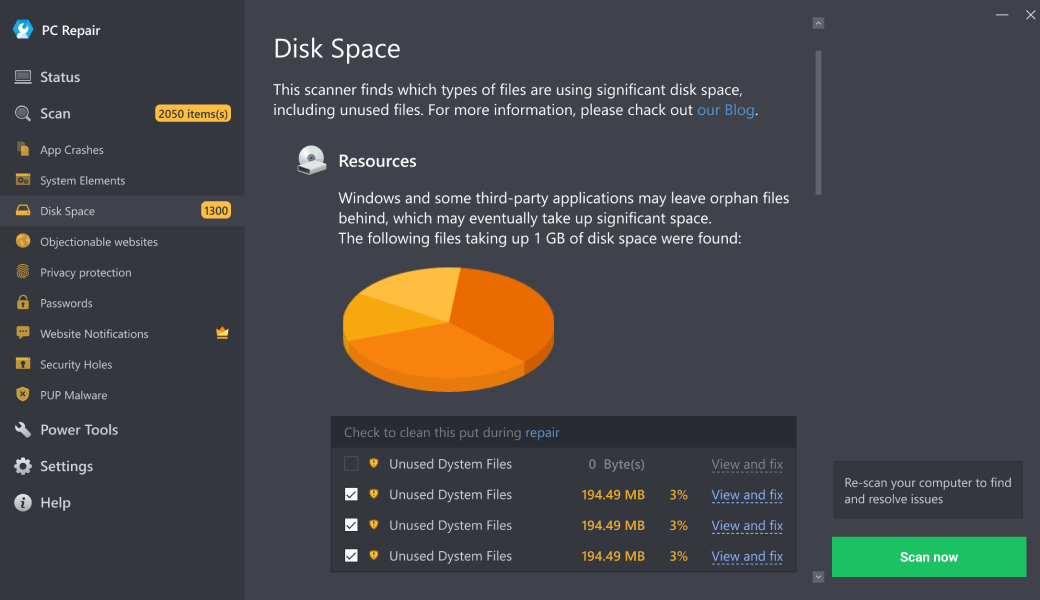
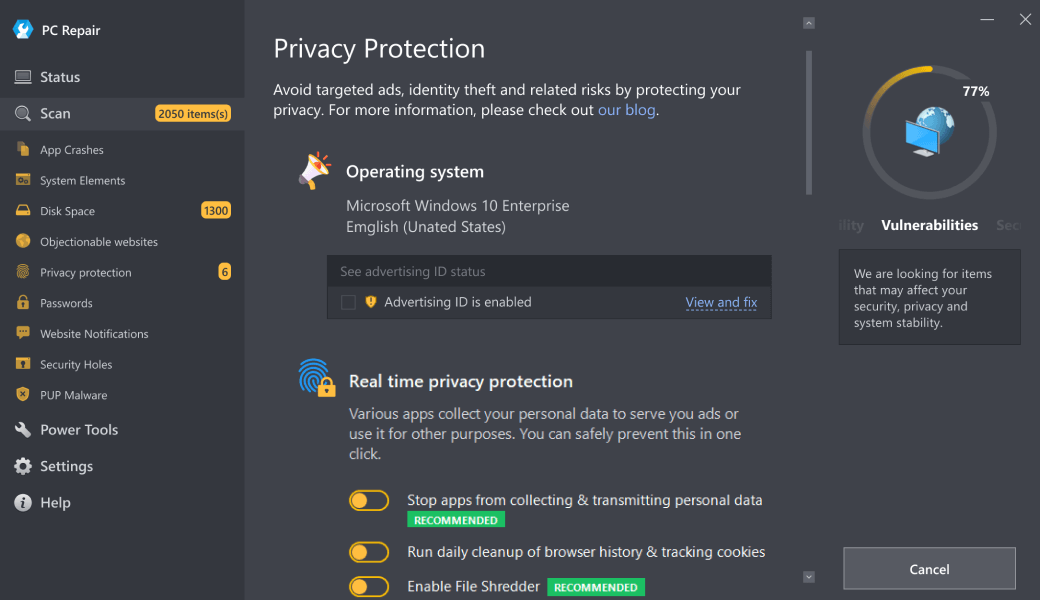
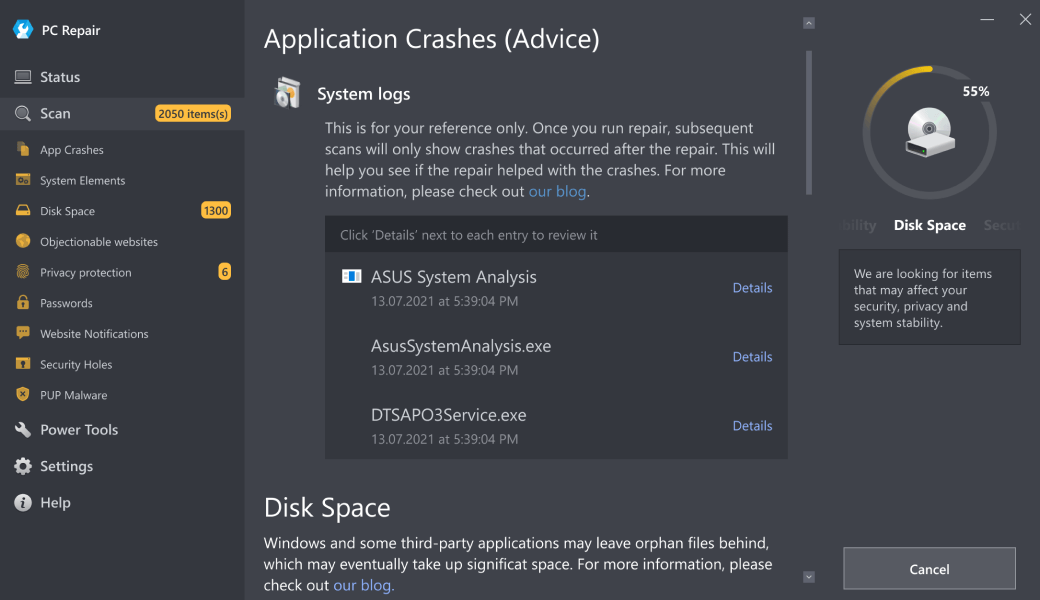
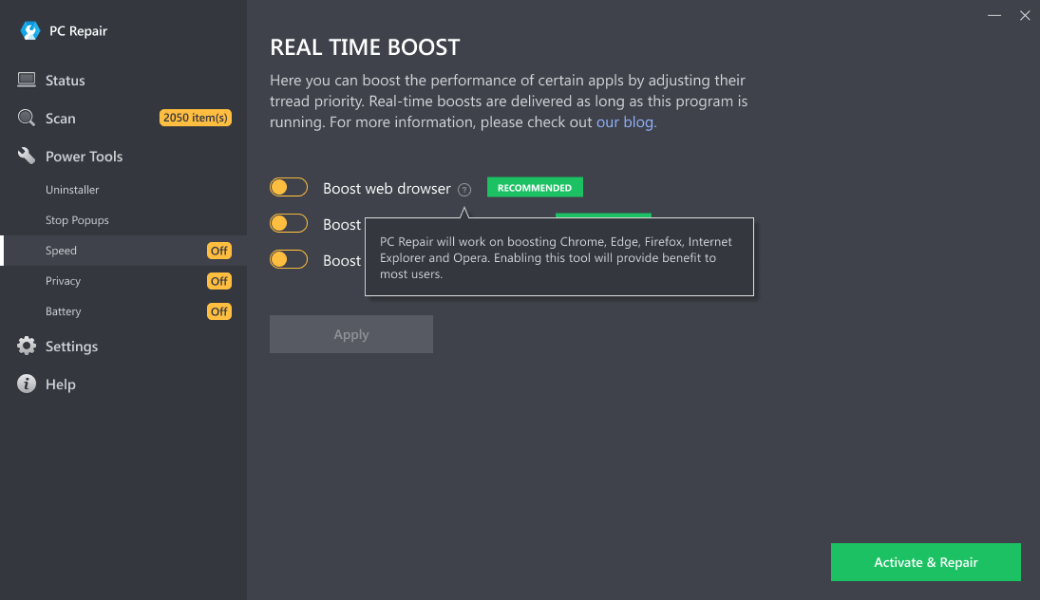
- Step 3. Click the Scan Now button to detect issues and abnormalities
- Step 4. Click the Repair All button to resolve the issues
| Compatibility | Win 11, 10, 8 |
| Download Size | 28 MB |
| Requirements | 300 MHz Processor, 256 MB RAM, 101 MB disk space |
Limitations: The trial version offers unlimited scans, backups, and restores. Full version registration starts at $29.95.

Outbyte PC Repair (version 1.1.12.641) is certified by AppEsteem – a trusted cybersecurity organization – with ongoing monitoring.
Being able to meet all of AppEsteem’s strict requirements means that Outbyte PC Repair can be considered clean, safe, and transparent; and that it is compliant with the ethical and legal norms of distribution.
AppEsteem is one of the world’s most prominent cybersecurity organizations that contributes to the safety of more than 2 billion users. The company was founded by a team of experienced Microsoft cybersecurity specialists. Its mission is to create a safe space for computer and internet users where they are protected against cyber threats and deceptive or unethical practices.