How to Fix DPC_WATCHDOG_VIOLATION Issue in Windows
DPC_WATCHDOG_VIOLATION (Stop Code: **0x00000133**) is a critical BSOD issue indicating Windows detected prolonged delays in deferred procedure calls (DPCs). Common triggers include:
- Sudden crashes during gaming/video rendering
- BSODs when connecting USB devices
- Freezes during file transfers
- Issues after driver/hardware installations
This issue primarily affects Windows 10/11 systems and signals driver conflicts, storage issues, or firmware problems preventing timely system responses.
Contents
[hide]STEP-BY-STEP FIXES:
Before starting:
- Disconnect non-essential USB devices
- Create a system restore point
Method 1: Run Hardware Diagnostics
1. Check SSD/HDD:
- In the Command Prompt (Admin), run: “chkdsk C: /f /r”
- Use manufacturer tools
2. Test RAM:
- Windows Memory Diagnostic: “mdsched.exe”
Method 2: Disable Overclocking
1. Revert CPU/GPU/RAM to default clocks
2. BIOS reset:
- Restart PC → repeatedly press Del/F2
- Load Optimized Defaults → Save & Exit
Method 3: Update BIOS/UEFI
Warning: If the BIOS is updated incorrectly or with an incompatible firmware version, the system may stop working entirely.
1. Check the motherboard model:
- In the Command Prompt, run: “wmic baseboard get product, manufacturer”
2. Download the latest BIOS from the manufacturer’s site
3. Follow vendor-specific flashing instructions
If BSODs Continue:
Persistent DPC_WATCHDOG_VIOLATION often indicates:
- Deep driver conflicts undetectable manually
- Firmware-level incompatibilities
- Hidden storage controller issues
- Registry corruption affecting driver operations
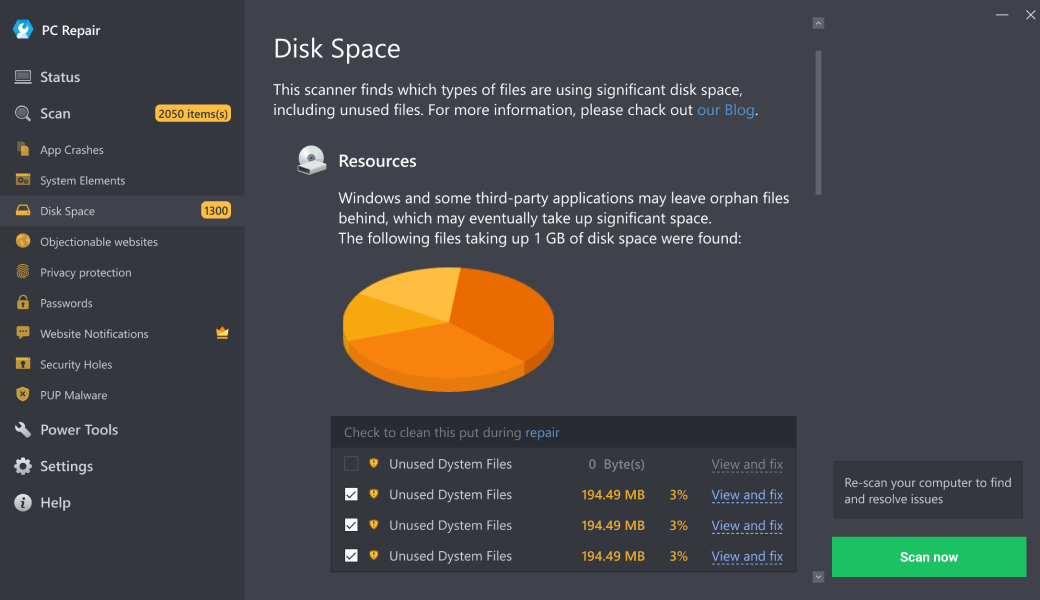
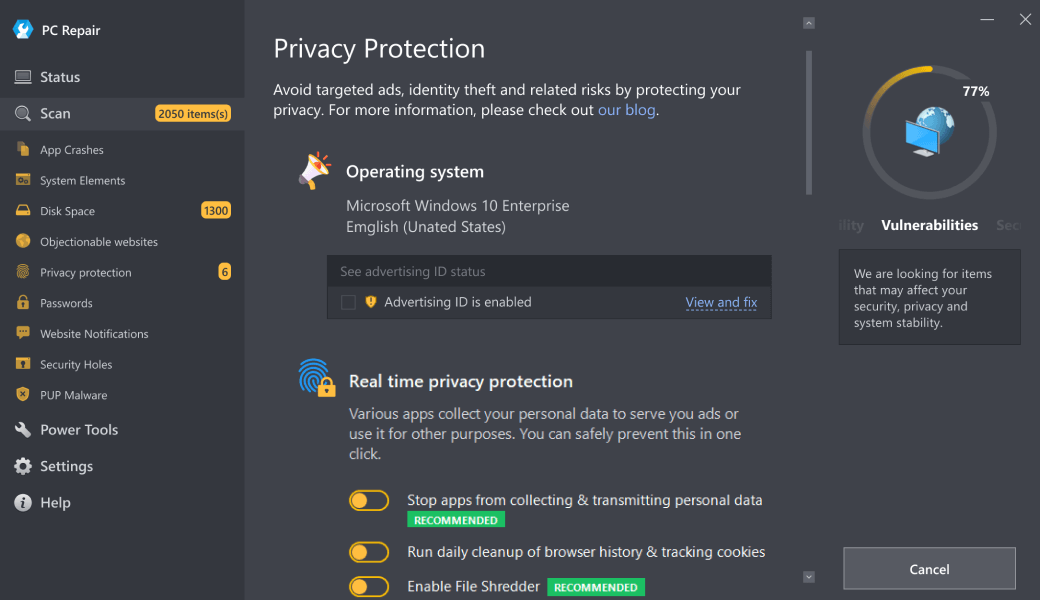
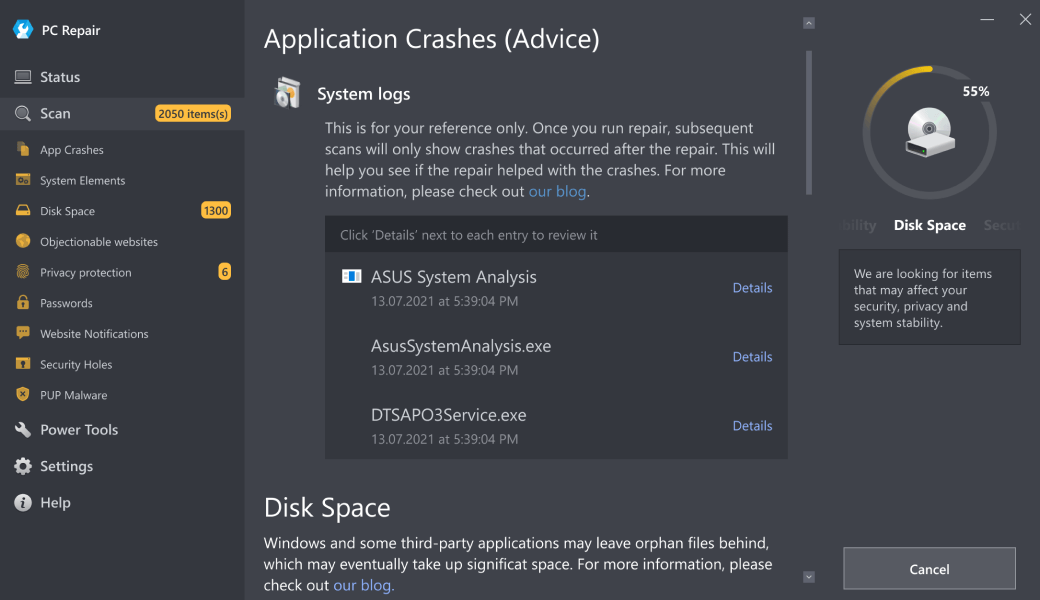
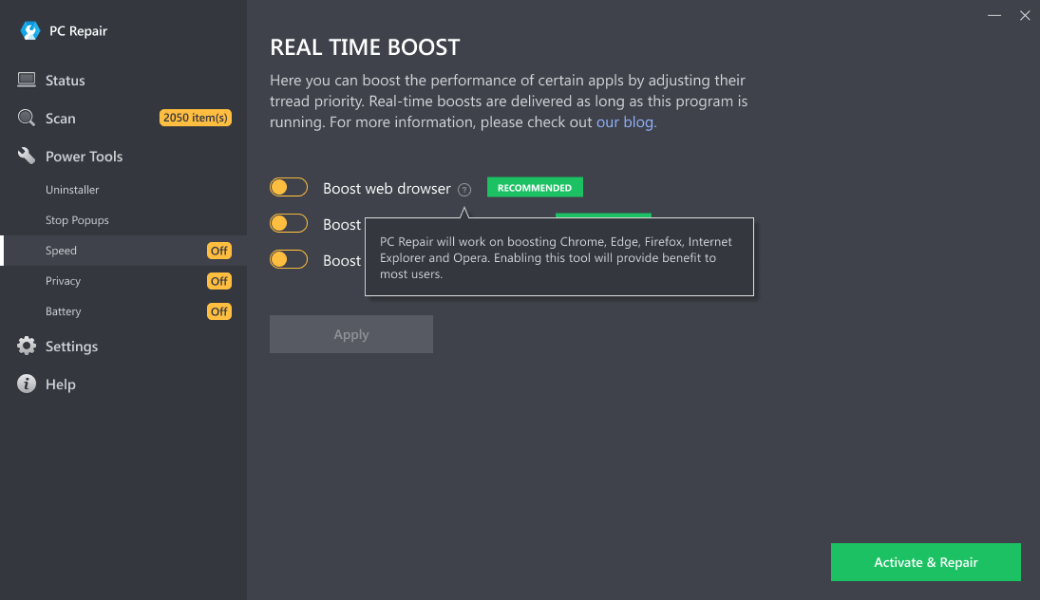
Outbyte PC Repair can provide comprehensive resolution by:
1. Updating drivers
2. Optimizing system
3. Removing conflicting software remnants
Download Outbyte PC Repair for automated issue diagnosis and repair (compatible with Windows 8/10/11). Special offer. See more information about Outbyte; uninstall instructions; EULA; Privacy Policy.
Note: The software offers a free scan—you’ll see problems before purchasing the full version.
Main Causes:
1. Faulty drivers: Outdated/incompatible storage, GPU, or chipset drivers
2. Storage issues:
- Failing SSD/HDD
- SATA/AHCI driver conflicts
- NVMe drive firmware bugs
3. Overclocking: Unstable CPU/GPU/RAM overclocks
4. Peripheral conflicts: Problematic USB devices or drivers
5. BIOS/UEFI issues: Outdated firmware or incorrect settings
Conclusion:
The DPC_WATCHDOG_VIOLATION issue typically resolves through driver updates, hardware checks, or BIOS resolves. Outbyte PC Repair can offer a time-efficient solution that may prevent data loss and system instability.
Prevention Tips:
- Update chipset/storage drivers quarterly
- Monitor SSD health
- Avoid beta BIOS/UEFI versions
- Use UPS to prevent power-related corruption
- Test overclocks
| Trial limitation: | Category-based repair access for at least 2 days |
| Price (full version): | From $29.95 |

The following steps should resolve the dpc_watchdog_violation issue:
- Step 1. Download Outbyte PC Repair application See more information about Outbyte; uninstall instructions; EULA; Privacy Policy.
- Step 2. Install and launch the application
- Step 3. Click the Scan Now button to detect issues and abnormalities
- Step 4. Click the Repair All button to resolve the issues
| Compatibility | Win 11, 10, 8 |
| Download Size | 28 MB |
| Requirements | 300 MHz Processor, 256 MB RAM, 101 MB disk space |
Limitations: The trial version offers unlimited scans, backups, and restores. Full version registration starts at $29.95.

Outbyte PC Repair (version 1.1.12.641) is certified by AppEsteem – a trusted cybersecurity organization – with ongoing monitoring.
Being able to meet all of AppEsteem’s strict requirements means that Outbyte PC Repair can be considered clean, safe, and transparent; and that it is compliant with the ethical and legal norms of distribution.
AppEsteem is one of the world’s most prominent cybersecurity organizations that contributes to the safety of more than 2 billion users. The company was founded by a team of experienced Microsoft cybersecurity specialists. Its mission is to create a safe space for computer and internet users where they are protected against cyber threats and deceptive or unethical practices.